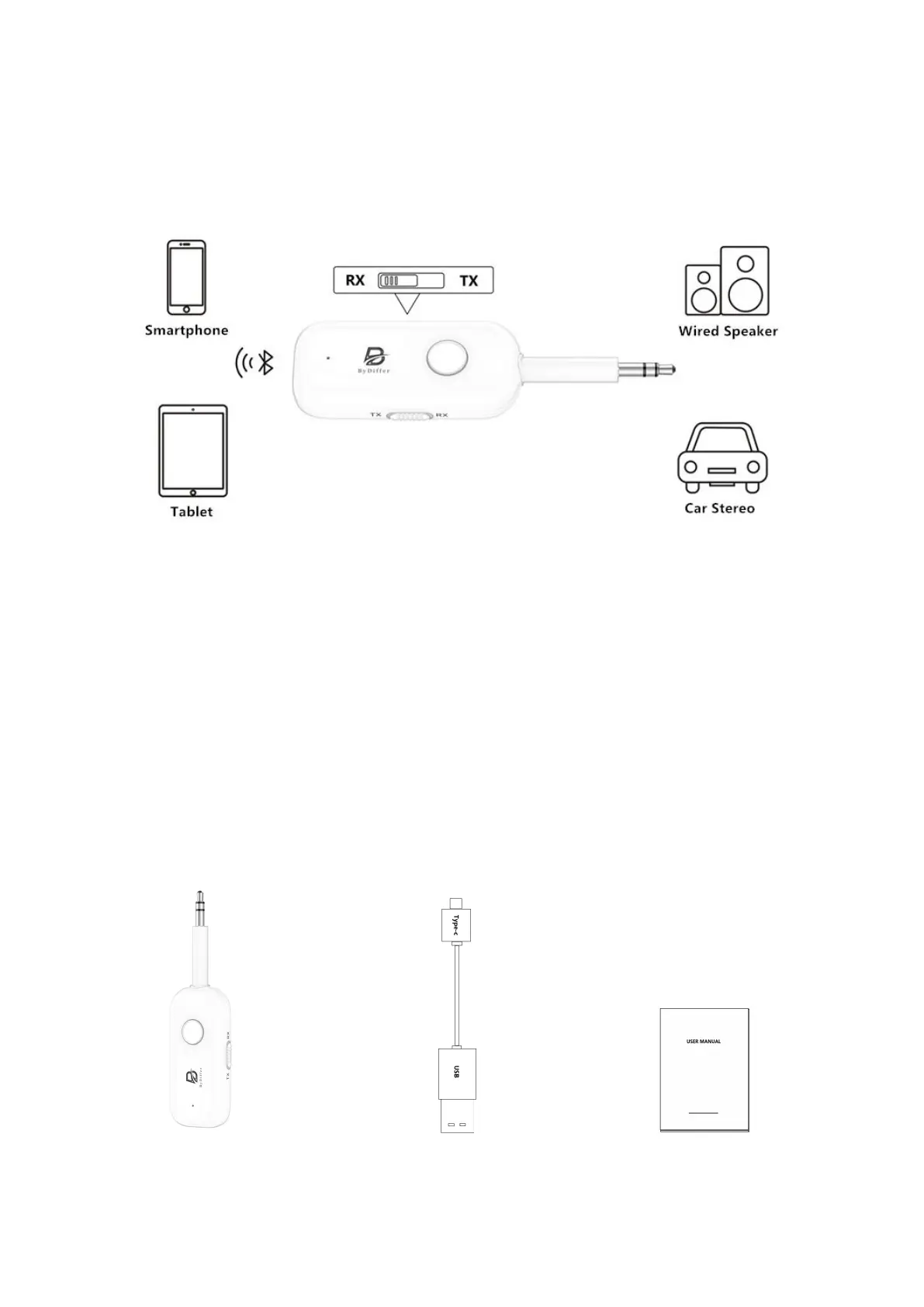
Receiver mode(RX)
The Bluetooth receiver is inserted into a non-Bluetooth stereo system (car stereo, speaker,
amplifier) to receive audio from a Bluetooth-enabled smartphone, tablet, or computer.
RX Mode Connection Steps:
1. Set the switch to "RX" mode, then press and hold the power button for 3 seconds to activate
the Bluetooth 5.2 receiver transmitter.
2. Double-click the power button (blue and red lights alternate flashing).
3. Enable Bluetooth on your initial device (smartphone, tablet, laptop).
4. Locate "T5" in the list of Bluetooth devices and click to connect (continuous light indicates a
successful connection).
5. Repeat steps 2, 3, and 4 to connect the second phone.
Note: While two cellphones can remain connected simultaneously, only one cellphone's music
can be played at a time. Pausing music on one cellphone allows the other cellphone's music to
play with no further action needed.
Package Included:
1X Bluetooth 5.2 1X 0.3m USB to Type-C 1X User manual
receiver transmitter charging cable


 To Previous Page
 Loading...