EasyManua.ls Logo

BYECOLD BKD-G0606-WLH/D - User Manual

BYECOLD BKD-G0606-WLH/D
15 pages
Print Icon
To Next Page IconTo Next Page
Loading...
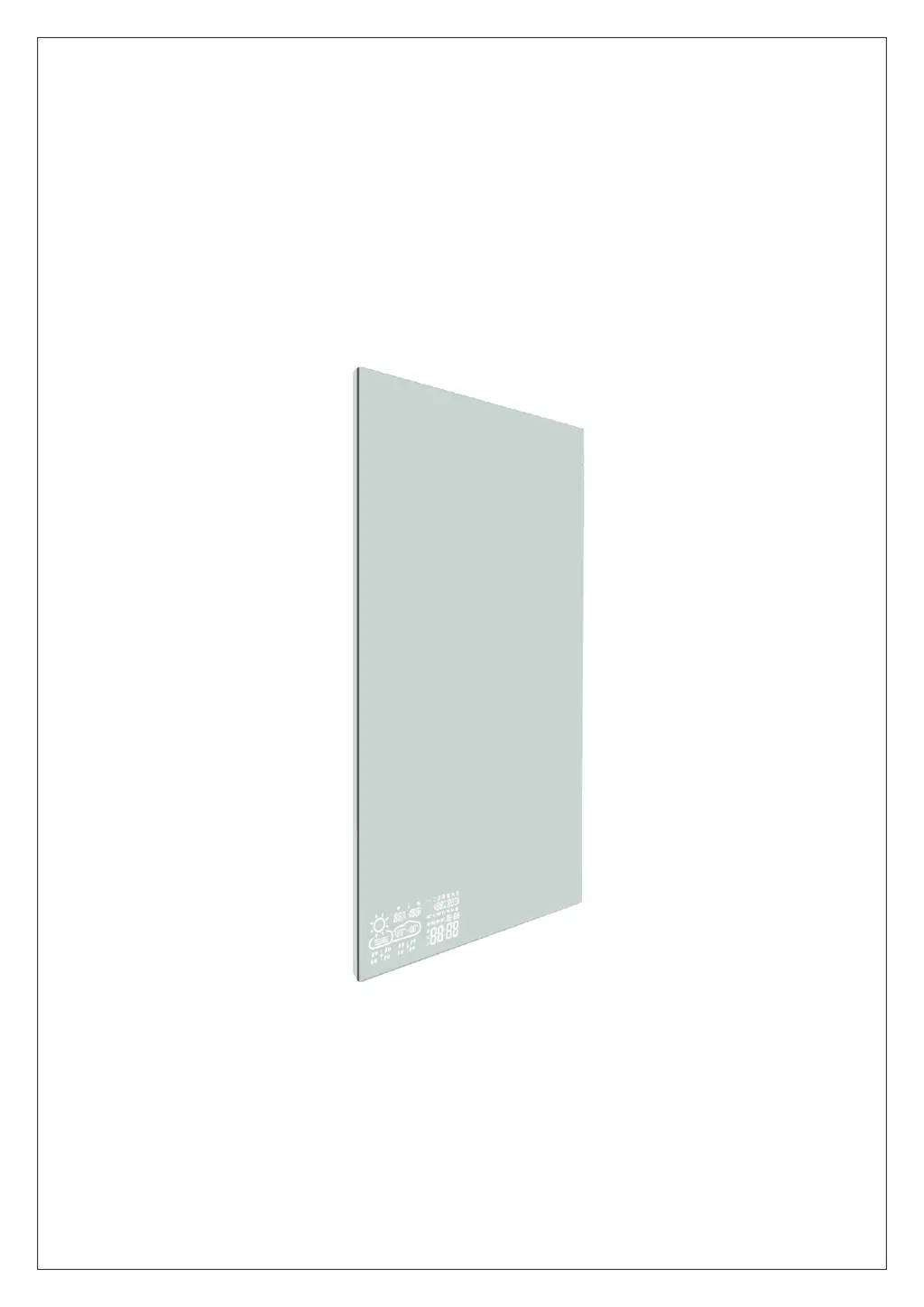
Smart Mirror
INSTALLATION AND OPERATING INSTRUCTION

Questions and Answers

  • K
    Kelsey AndersonAug 15, 2025
    What to do if my BYECOLD BKD-G0606-WLH/D Personal Care Products displays code Err?
    • D
      Dawn WoodwardAug 15, 2025
      If your BYECOLD Personal Care Products device displays code Err, it means the device couldn't connect to the configured network, and the previous data has expired. To resolve this, restart your router and ensure the Wi-Fi signal strength is adequate.
  • K
    kelseygoldenAug 18, 2025
    Why my BYECOLD BKD-G0606-WLH/D Personal Care Products device is unable to connect to WIFI?
    • D
      David MoodyAug 18, 2025
      If your BYECOLD Personal Care Products device is unable to connect to WIFI, it might be due to a poor Wi-Fi signal or network failures. Try restarting both your router and the device to re-establish the connection.
  • E
    Erica TaylorAug 22, 2025
    What does display code 05 mean on my BYECOLD BKD-G0606-WLH/D?
    • J
      Jennifer JohnsonAug 22, 2025
      If your BYECOLD Personal Care Products device displays code 05, it indicates that the configured router is connected to too many devices. You can either replace the router with one that supports more connections or reduce the number of devices connected to the current router.
  • H
    Heather RussellAug 26, 2025
    Why is the weather inaccurate on my BYECOLD BKD-G0606-WLH/D?
    • A
      Antonio StevensAug 26, 2025
      If the real-time weather is displayed inaccurately on your BYECOLD Personal Care Products device, it could be due to weather data not being updated. Try connecting to another server in your app to resolve this issue.
  • A
    Angela WardAug 28, 2025
    What to do if my BYECOLD BKD-G0606-WLH/D Personal Care Products displays code 201?
    • E
      Edward RussellAug 28, 2025
      If your BYECOLD Personal Care Products device displays code 201, it means the configured network is unreachable or the WIFI hotspot has been replaced. Ensure the device, Wi-Fi router, and smartphone are closer together. Refer to Step 8-(7).
  • G
    George RobertsAug 31, 2025
    Why is the temperature inaccurate on my BYECOLD Personal Care Products?
    • S
      Samuel YoungSep 1, 2025
      If the indoor temperature or humidity are displayed inaccurately on your BYECOLD Personal Care Products device, the sensor might be covered. Ensure that the sensor is placed in the right position and is not covered or touched by any materials.
  • R
    Regina HardySep 4, 2025
    How to fix the touch button if it does not light on my BYECOLD BKD-G0606-WLH/D?
    • S
      Sarah TaylorSep 4, 2025
      If the touch button on your BYECOLD Personal Care Products does not light up, it might be because the device is not starting. Check the power connection to ensure it is properly connected.
  • J
    Jack MullinsSep 7, 2025
    Why does my BYECOLD BKD-G0606-WLH/D make noises after switch-on?
    • S
      sarahfoxSep 7, 2025
      If your BYECOLD Personal Care Products device makes noises after being switched on, it is likely due to some parts being loose from transportation. This is a normal process, and no specific measures are required.
  • M
    maryfrederickSep 12, 2025
    Why does the surface of my BYECOLD BKD-G0606-WLH/D bulge slightly?
    • J
      James HerreraSep 12, 2025
      If the surface of your BYECOLD Personal Care Products device bulges slightly, it's because the material expands due to heating. This is a normal process, and no action is needed.

BYECOLD BKD-G0606-WLH/D Specifications

General IconGeneral
Model NumberBKD-G0606-WLH/D
ColorWhite
Speed Settings2
Heat Settings3
Cool Shot ButtonYes
Ionic TechnologyYes
TypeHair Dryer
Frequency60Hz
Nozzle TypeConcentrator

Related product manuals