EasyManua.ls Logo

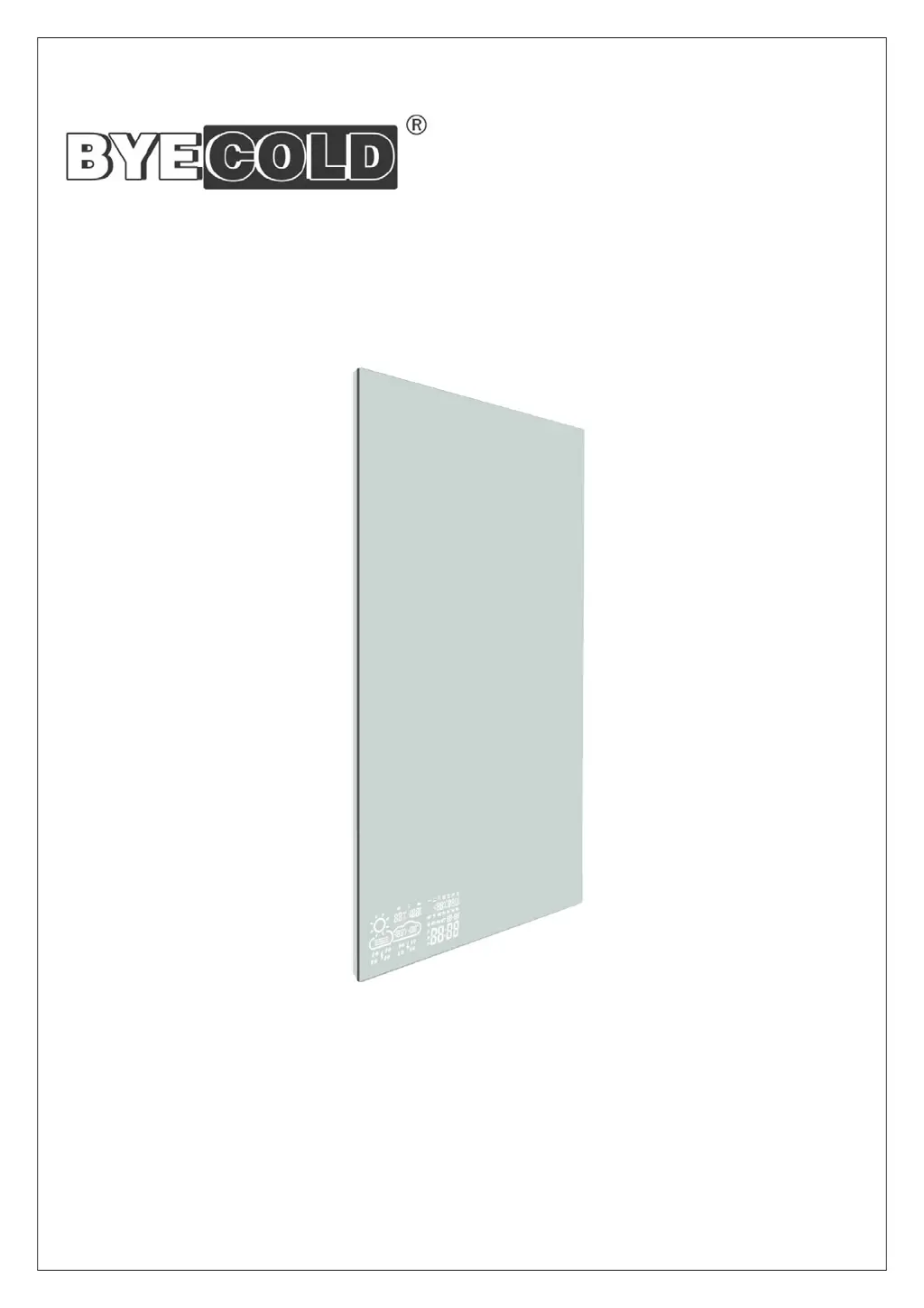
BYECOLD Smart Mirror - User Manual

BYECOLD Smart Mirror
16 pages
Print Icon
To Next Page IconTo Next Page
Loading...
Smart Mirror
INSTALLATION AND OPERATING INSTRUCTION
Questions?
Please call or email us – our friendly associates are ready to help.
Tel˖0086 516 83567656
Email˖info@byecold.com

Questions and Answers

  • M
    Mikayla HendersonJul 28, 2025
    What to do if my BYECOLD Smart Mirror Personal Care Products device is unable to connect to WIFI?
    • J
      John WagnerJul 28, 2025
      If your BYECOLD Personal Care Products device can't connect to WIFI, it might be due to a weak signal or network issues. Try restarting both your router and the device to resolve the problem.
  • T
    Thomas RojasAug 2, 2025
    Why are the indoor temperature/humidity readings inaccurate on my BYECOLD Smart Mirror Personal Care Products?
    • J
      johnnguyenAug 2, 2025
      If the indoor temperature or humidity are displayed inaccurately on your BYECOLD Personal Care Products device, the sensor may be covered. Ensure that the sensor is correctly positioned and not obstructed by any materials.
  • S
    Sarah LopezAug 9, 2025
    How to fix a BYECOLD Smart Mirror Personal Care Products device when the touch button does not light?
    • E
      Elizabeth WilkinsAug 9, 2025
      If the touch button on your BYECOLD Personal Care Products device doesn't light up, the device might not be starting. Check the power connection to ensure it is properly connected.
  • S
    Sarah JacksonAug 15, 2025
    Why does my BYECOLD Smart Mirror device make noises after switch-on?
    • S
      Stephen RussellAug 15, 2025
      If your BYECOLD Personal Care Products device makes noises after being switched on, it is likely due to some parts becoming loose during transportation. This is a normal process, and no action is required.
  • F
    frances22Aug 21, 2025
    What to do if the surface of my BYECOLD Smart Mirror Personal Care Products bulges slightly?
    • A
      Alex SchroederAug 21, 2025
      If the surface of your BYECOLD Personal Care Products device bulges slightly, it's because the material is expanding due to heating. This is normal, so no action is needed.

Summary

Read Before Use

Scope of Delivery

Product Introduction

Safety Introduction

Structure

Installation

Operation

Start-Up

Initial power-on checks and requirements for safe operation.

Functional Operating Instructions

Details on using touch controls for LED lighting and defogging functions.

Weather Display Operating Instructions

Guide for Wi-Fi connection, mobile app usage, and weather display configuration.

Maintenance

Troubleshooting

Warranty Card

FCC Statement

FCC Radiation Exposure Statement

BYECOLD Smart Mirror Specifications

General IconGeneral
CategoryPersonal Care Products
Display Size21.5 inches
Touch ScreenYes
LED LightingYes
MagnificationNo
Resolution1920 x 1080
BluetoothYes
Wi-FiYes
Built-in SpeakersYes
Power SourceAC power
FeaturesSmart Mirror with LED Lighting and Touch Screen

Related product manuals