CCRadio2E Page 5
8
10
11
1
4
1516
17
12
9
6
5
1
2 3
7
4
18
13
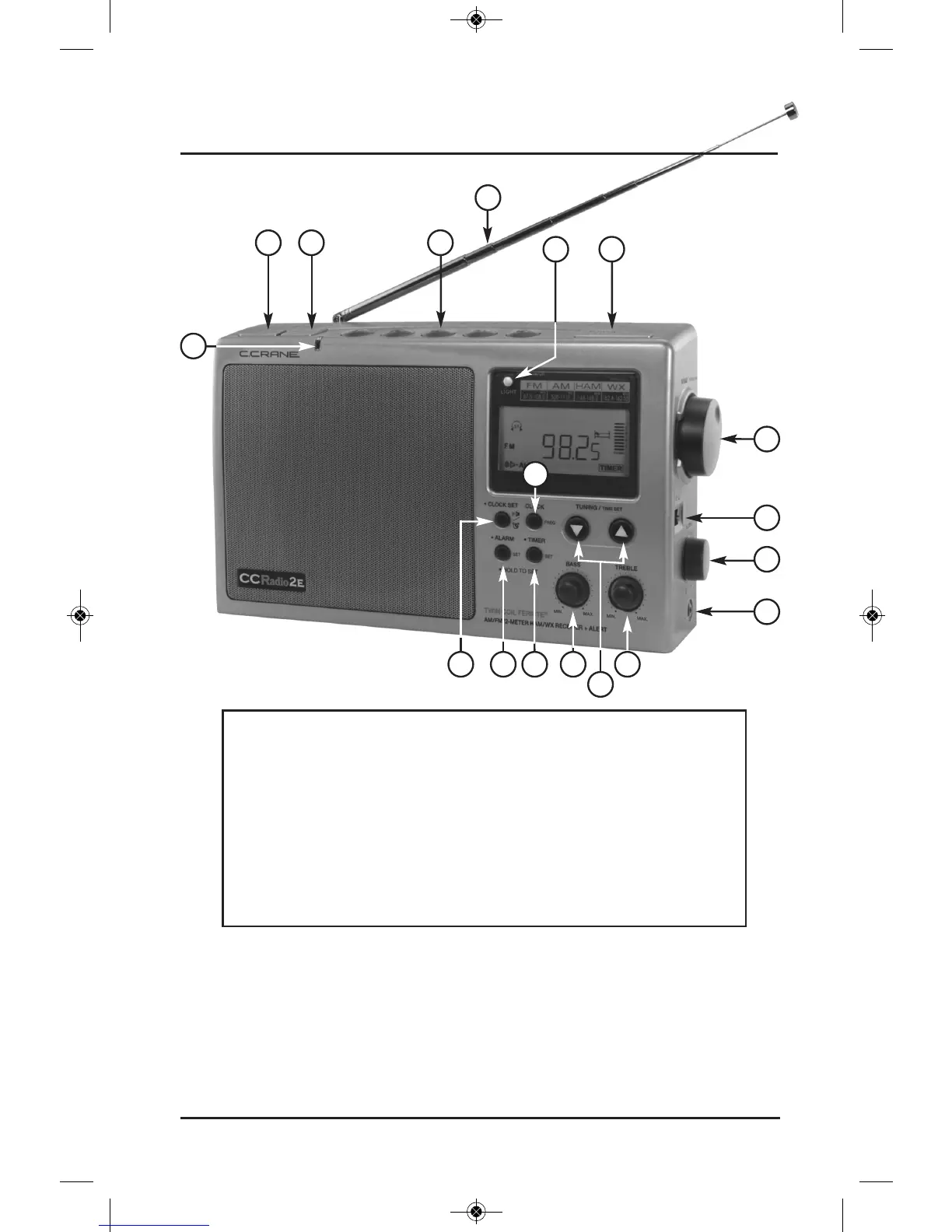
10) Lock Switch
11) Tuning Knob /
•
Squelch Set
12) Power or
•
Sleep Timer
13) Display Light
14) Telescopic Antenna
15) Memory (1-5)
16) Weather Alert (3 Modes)
17) Band or
•
AUXILIARY
18)
•
Weather Alert Light
1)
•
Clock Set
2)
•
Alarm Set
3)
•
Timer Set
4) Display Clock or Frequency
5) Bass Control
6) Treble Control
7) Tuning/Time Set (Up/Down)
8) Headphone Jack
9) Volume Control
Note: When you see a “
•
” next to a button on the radio, it means you must
press and hold the button down for two seconds to activate the function.
The appropriate symbol will then appear on the display along with sounding
a “beep”. If the radio is turned off, the beep volume is significantly reduced.
To deactivate the Alarm and Timer functions, press and hold the but-
ton until it beeps again and the symbol disappears from the display.
(Please see Display Panel symbols on page 8.)
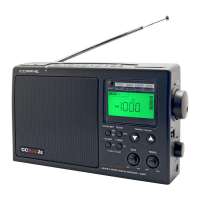
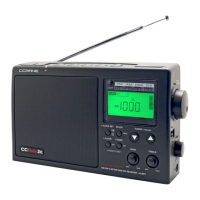
Button Identification




 To Next Page