16
Step 3: Add a home
To de ne the location where the
thermostat is installed, press “Add home”
and a new screen will be displayed. In that
screen, you can enter a name, location or
the number of rooms of the home.
Then, you can observe the setting for that
home.
Step 4: Connect to the Wi-Fi signal
To add a new thermostat, press the “+” icon on the upper right side of the screen and select the option
“thermostat”.
Then, the procedure for connecting the device via Wi-Fi is initiated. Press “Con rm indicator rapidly
blink” and enter the password of your wi router.
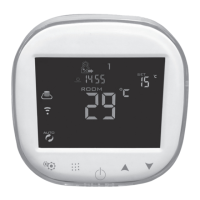
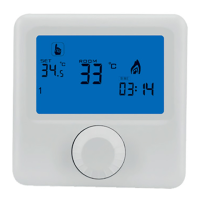
Before pressing “Con rm” and under the power on state of the thermostat, press the keys
and
at the same time until the and icons blink. Then con rm the password in the app.
After a few seconds, the thermostat will be added.


 To Next Page
 Loading...