4
headphones are connected.
7. Mic: Used to record voice memo.
8. Menu button: Press this button to display context menu
(like mouse right click on PC) settings when available.
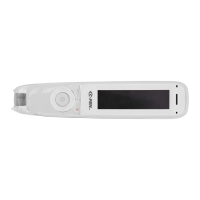
9. Scanning window: Frames the text to be scanned.
10. Headphone jack: A standard 3.5 mm headphone jack.
Speaker is muted when headphones are connected.
11. Micro USB connector: Used for charging. To charge,
connect to USB charger or computer USB port.
12. Reset button: Pressing this button resets the device. It is
recommended to use this button only when the device
cannot be turned off properly.
GET STARTED
POWER ON
Make sure the product is charged. Press the On/Off
button for three seconds to power on ReaderPen (boot
sequence takes about 10 seconds).
LEFT/RIGHT HAND
Select whether to use the product with left or right hand.
Enter Settings\Left/Right-Handed to select. Press OK to


 To Next Page