18
Battery Charging
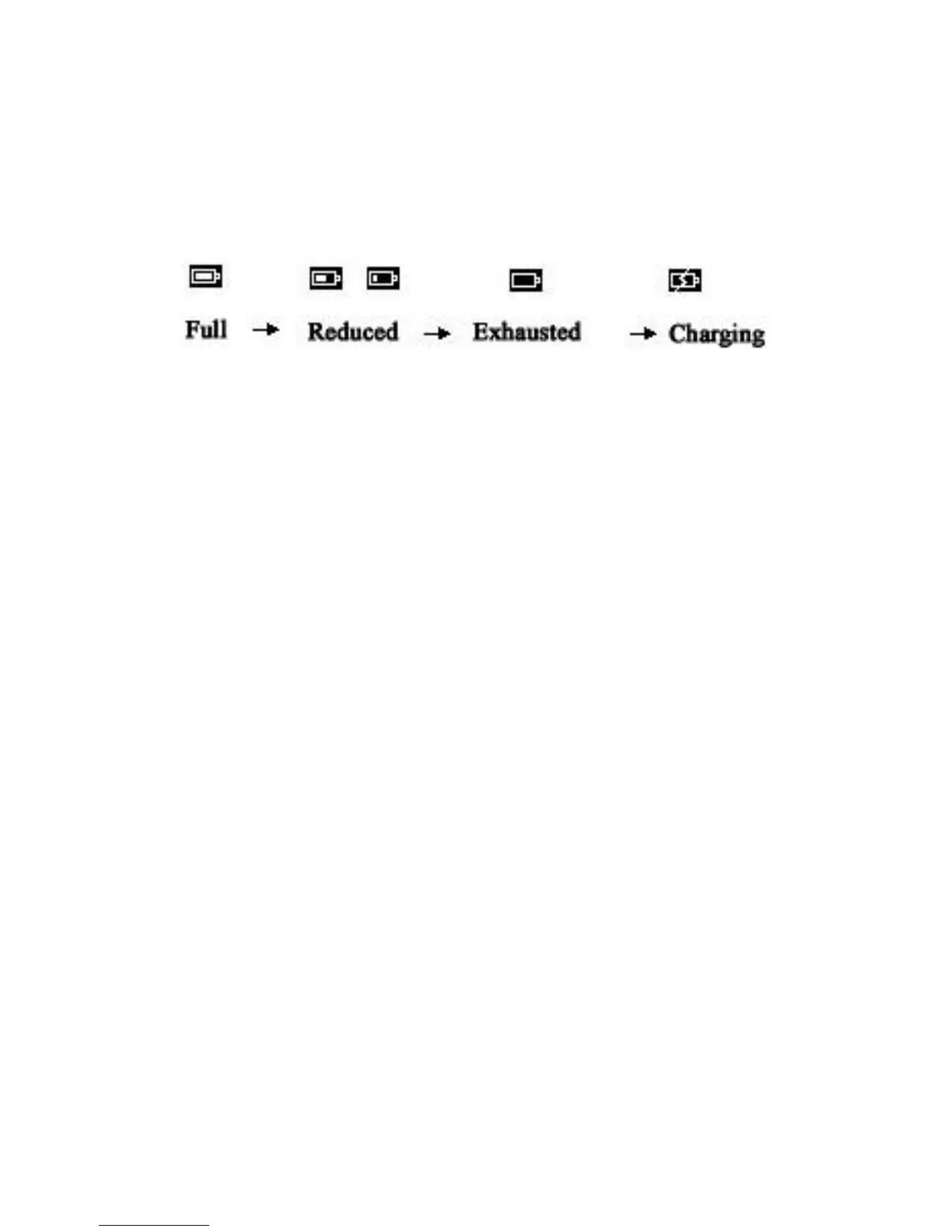
Battery indicator
FullReducedExhaustedCharging
Battery charging
When your ReaderPen runs out of battery, you should charge
the battery. The pen charges independent of whether it is
powered on or off.
Connect the device to the USB socket of a computer (the
computer must be powered on) or an AC adapter (not included
in the package) through a USB cable for battery charging.
Special hint: The time for power-off charging is around 3 hours.
Safety Precautions for Battery Usage
THE LITHIUM BATTERY IS HAZARDOUS. ANY ATTEMPT TO DISASSEMBLE THE
BATTERY IS NOT ALLOWED. IF YOU DISASSEMBLE OR REPLACE THE BATTERY, IT
MAY EXPLODE. THROWING IT INTO FIRE MAY ALSO CAUSE EXPLOSION. KEEP
THE BATTERY AND THE DEVICE DRY, AND AWAY FROM WATER OR OTHER LIQUID



 To Next Page