2
C-Pen ReaderPen
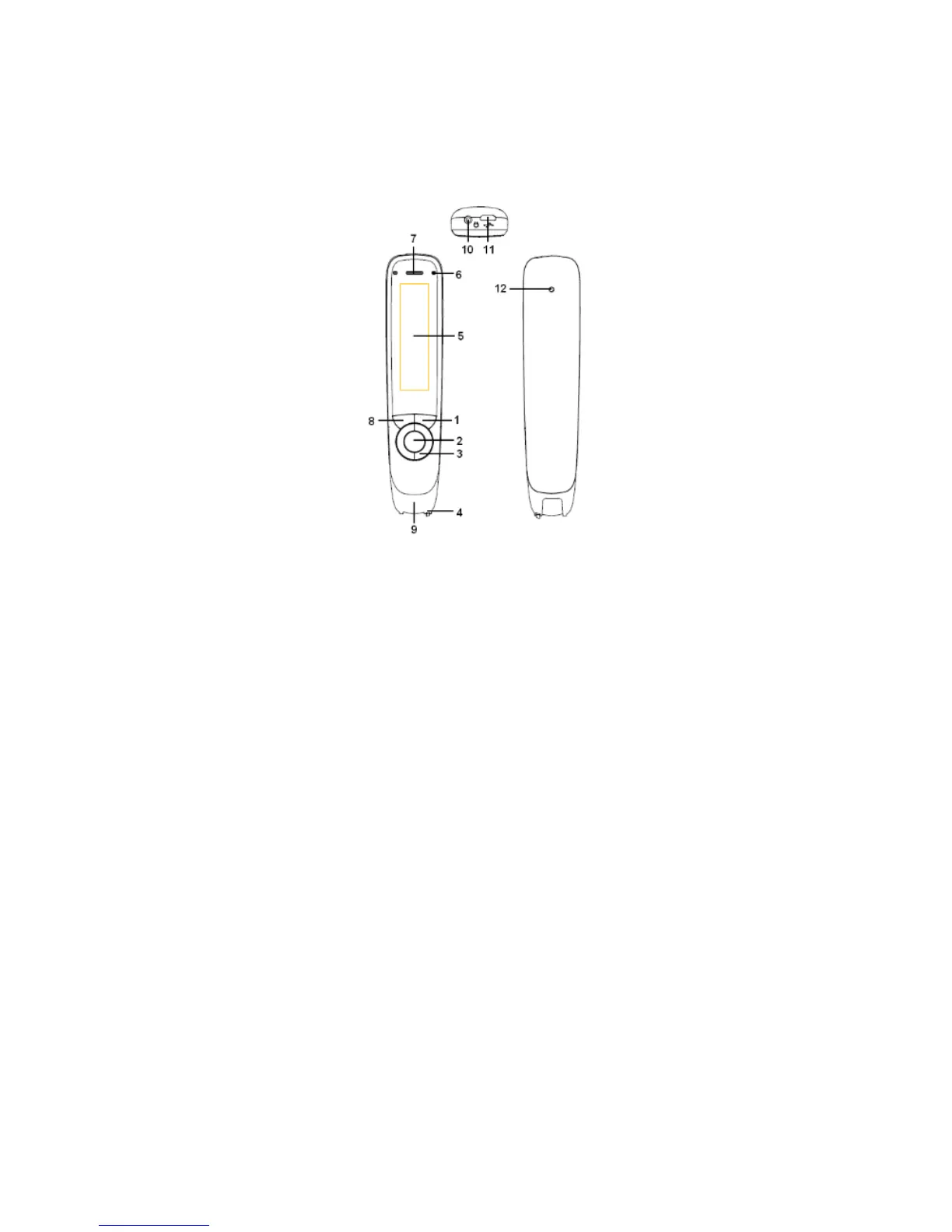
1. Power On/Off & Back button: A long press powers the
device on or off. In the sub-interface, press this button to exit
from the current level back to previous interface. When
prompted for selection or input, this button cancels the
operation.
2. OK button: When a dialog box or option list pops up, press
this button to confirm the operation.
3. Up/Down/Left/Right: Press these buttons to move focus or
cursor. In the Dictionary sub-interface, press the left/right
direction button continuously for 1 second to roll back to the



 To Next Page