~
15
~
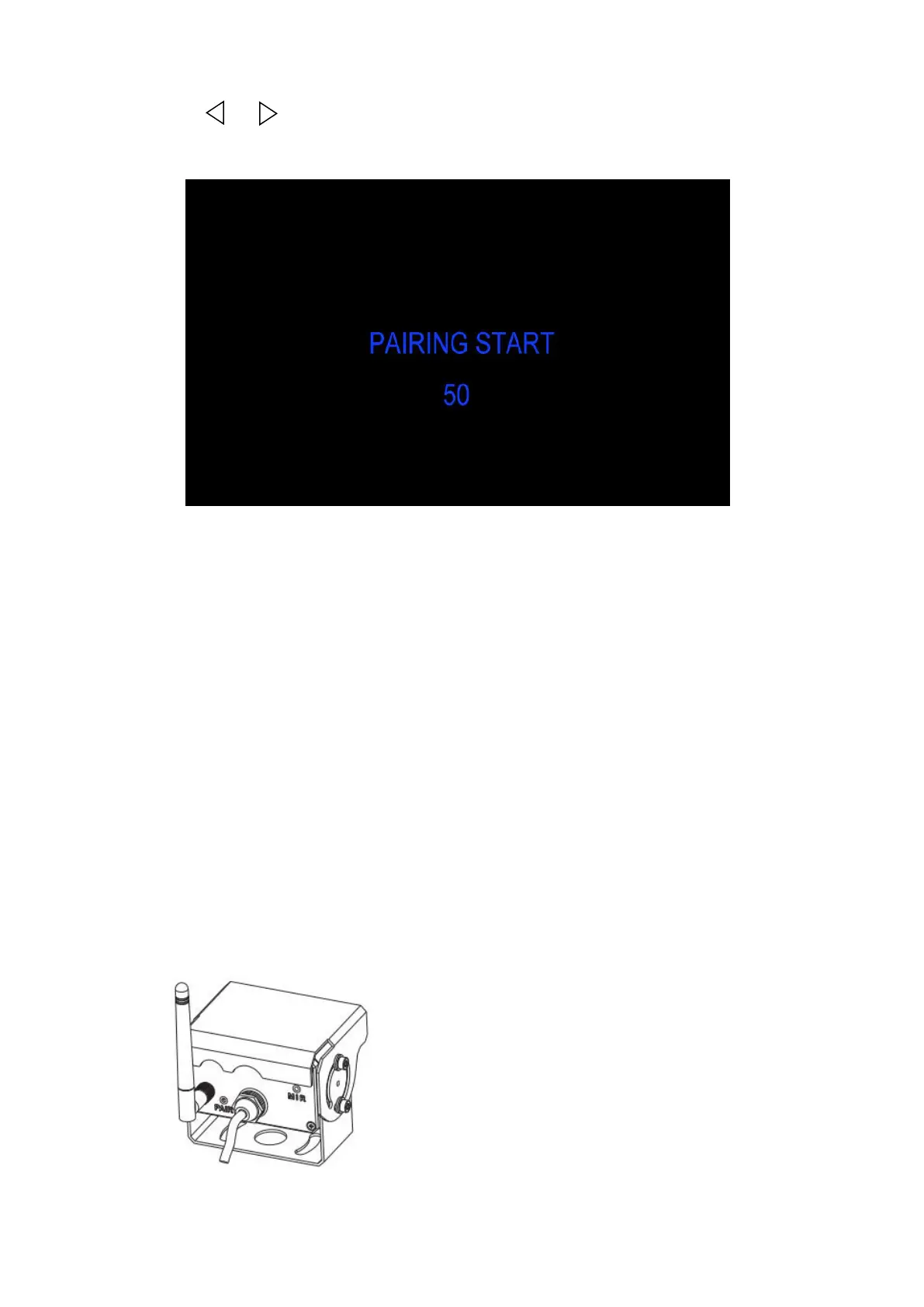
(8) Press or to select PAIRING, press OK to enter. Press OK for 3 seconds to
enter PAIRING.
1. Choose the channel that needs to be set up, the monitor will display the message
2. Within the countdown of 50 seconds, power on the camera.
3. The monitor and cameras will synchronize themselves with each other after the
camera is powered for 5s.
4. If auto pairing is completed, the video will be displayed. If it is failed, a message “No
Signal” will be displayed. Repeat the pairing procedure.
1. Choose the channel that needs to be set up, the monitor will display the message
2. Within the countdown of 50 seconds, power on the camera. Press the pairing button
3. The monitor and cameras will synchronize themselves with each other.
4. If pairing is completed, the video will be displayed. If it is failed, a message “No
Signal” will be displayed. Repeat the pairing procedure.


 To Next Page