4 5
English
JUST SPEAK S
JUST SPEAK S
2. PACKAGE CONTENTS
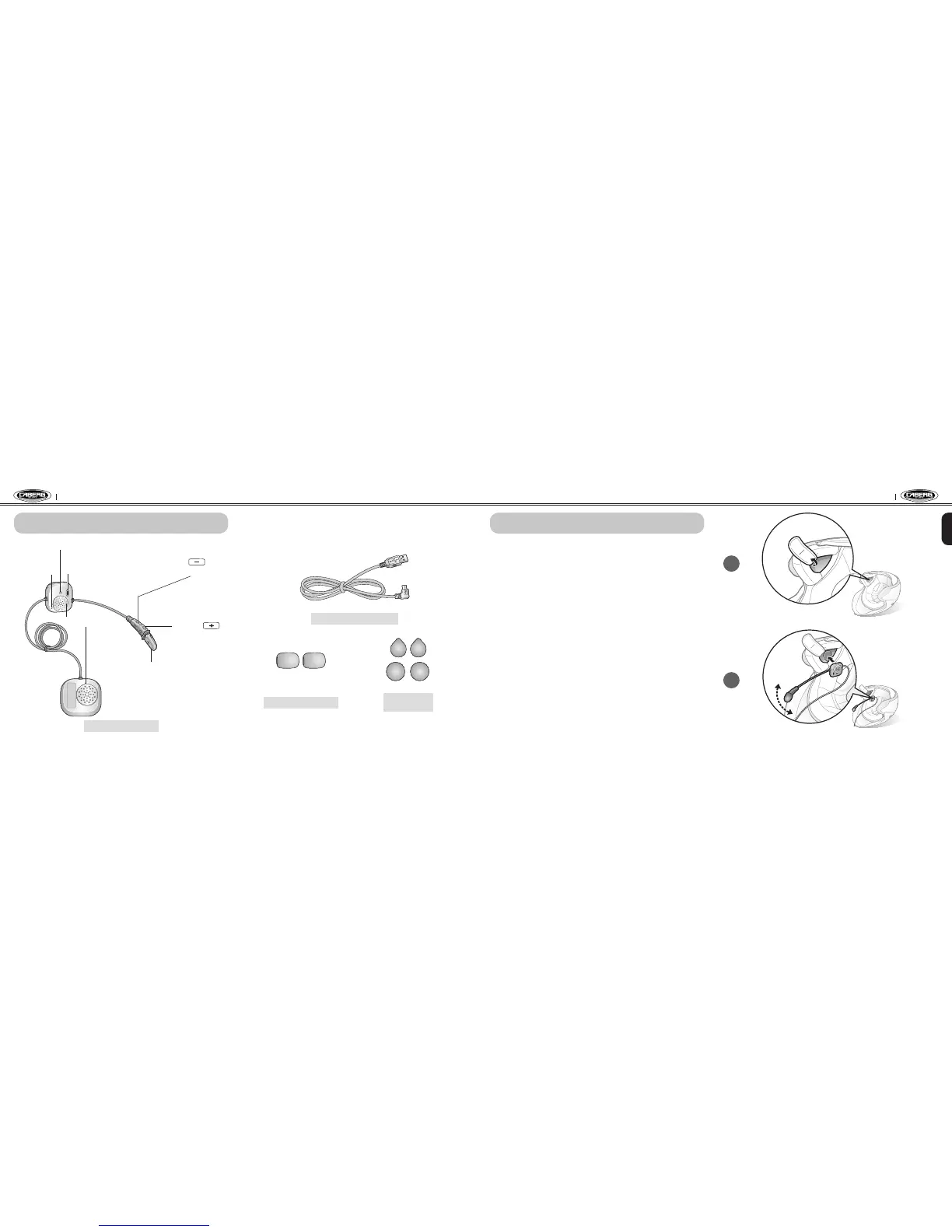
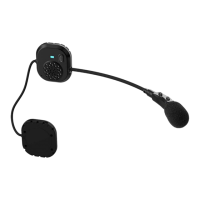
Status LED
Speakers
Microphone
(-) Button
(Intercom Button)
(+) Button
(Phone Button)
Pin-hole
Reset Button
DC Power Charging &
Firmware Upgrade Port
Just Speak S Headset
2. PACKAGE CONTENTS
USB Power & Data Cable
Microphone Sponges
Velcro Pads
for Speakers
3. GETTING STARTED
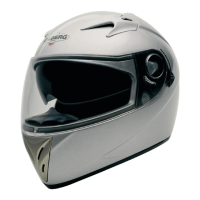
Installing the Just Speak S on Your Helmet
• Place the speaker-microphone unit in the helmet along with its’ Velcro
pads, centered to your ear, in the ear pockets of the helmet.
• Some helmet models are equipped with chin pads with a removable
cushioning inside that can be unthreaded from the chin strap in order to
ease and improve the positioning of the speakers. Besides, other helmet
models are equipped already with pockets where the speakers can be
placed without the need of the velcro.
• Locate the boom microphone as closely as possible to your mouth when
wearing the helmet . If possible, try to let the boom of the microphone
behind the chin pads .
• Hide the wire under the helmet padding after the installation.
3. GETTING STARTED
1
2


 To Next Page