9
6.2
6.3
Mounting to
Light Stand,
Tripod, or
Umbrella
Swivel
Adjusting Tilt
Angles
There are a few ways to install
the LV5 Emitter and Sensor:
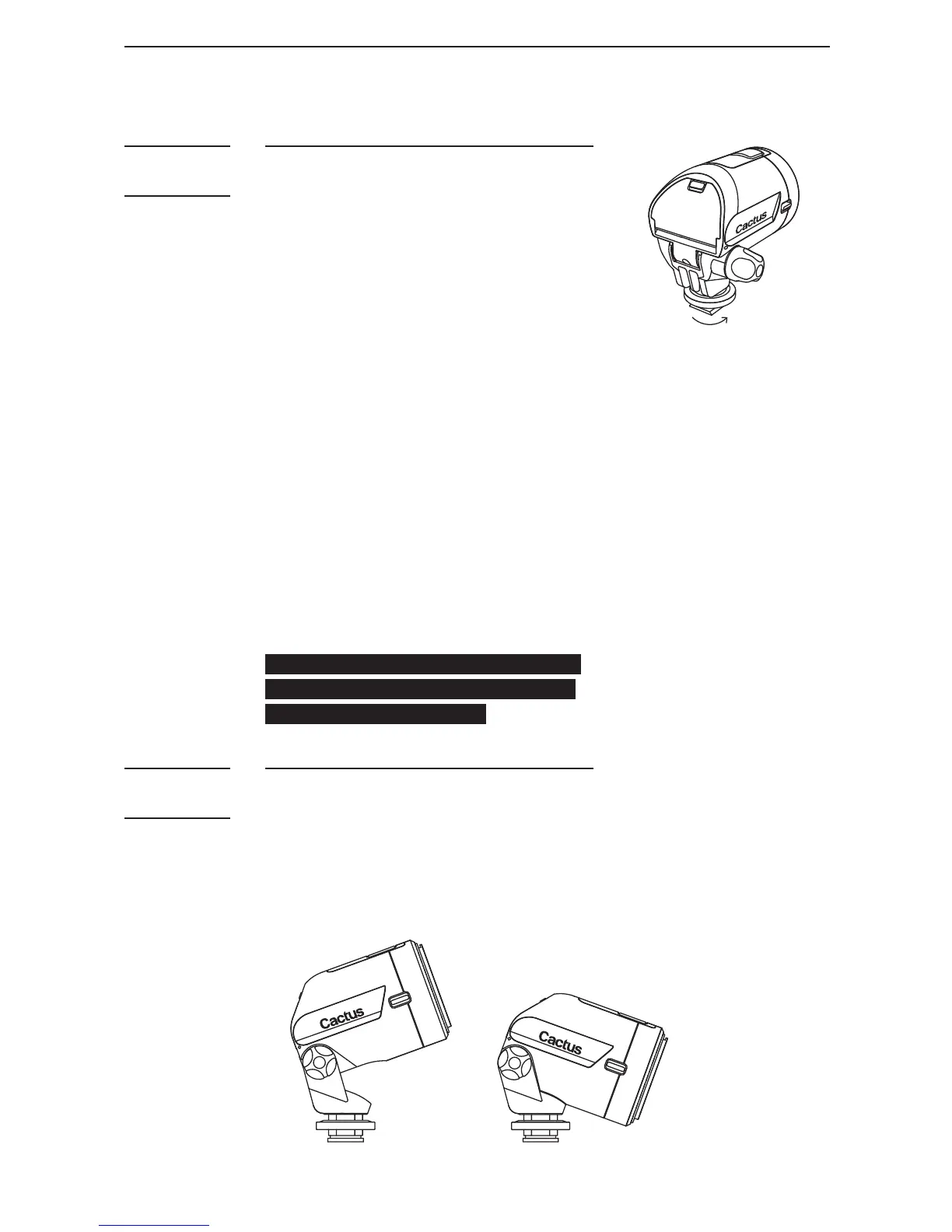
1. Light stand: Mount the LV5 by
using the standard 1/4” tripod
mount. Rotate the unit until it
is secured in place.
2. Tripod (via quick release
plate): Mount the LV5 to the
tripod screw on the quick
release plate. Secure the
mount by turning the lock from
the underside of the quick
release plate.
3. Umbrella swivel with hot shoe
mount: Mount the LV5 to the
hot shoe mount and secure it
by tightening the hot shoe
lock.
Note: Stone bags are recommended
for added weight and security on
the light stand/tripod.
1. Loosen the Angle Lock.
2. Set the LV5 to the required
tilti n g a n g le (f r o m 20° d o w n
t o 65°u p).
3. Tighten the angle lock when
done.



 To Next Page