15
7.6
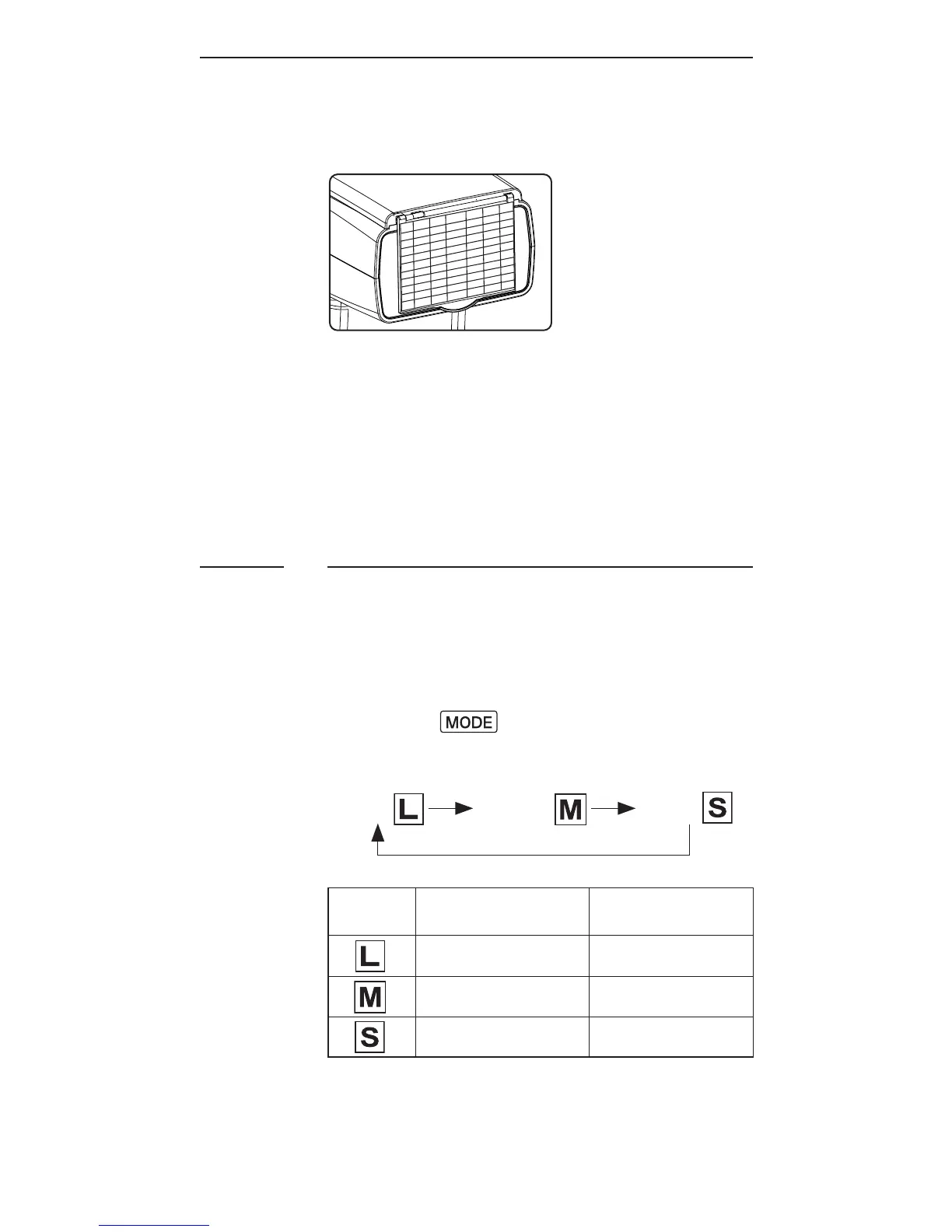
Using the Wide Angle Diffuser
1. Pull out the wide angle diffuser
and place it over the ash head as
shown. The bounce card will come
out at the same time.
2. Push the bounce card back in.
T h e a s h w ill i l lu m i n at e at 18 m m
coverage.
Choosing the Operating Mode
There are three operating modes in
the RF60X, namely Local, Master, and
Slave. Upon switching on the RF60X,
press the button to choose the
appropriate mode. The mode indicator
turns in the following sequence:
Local Master Slave
Modes
Where to place
the RF60X?
With wireless
control?
on camera X
on camera √
off camera √



 To Next Page