19
8.1
8. On-camera Operation:
Local Mode
Set up the RF60X in Local mode
w h e n y o u w or k w it h o n e a s h o n th e
c a m er a’s h ot s h o e.
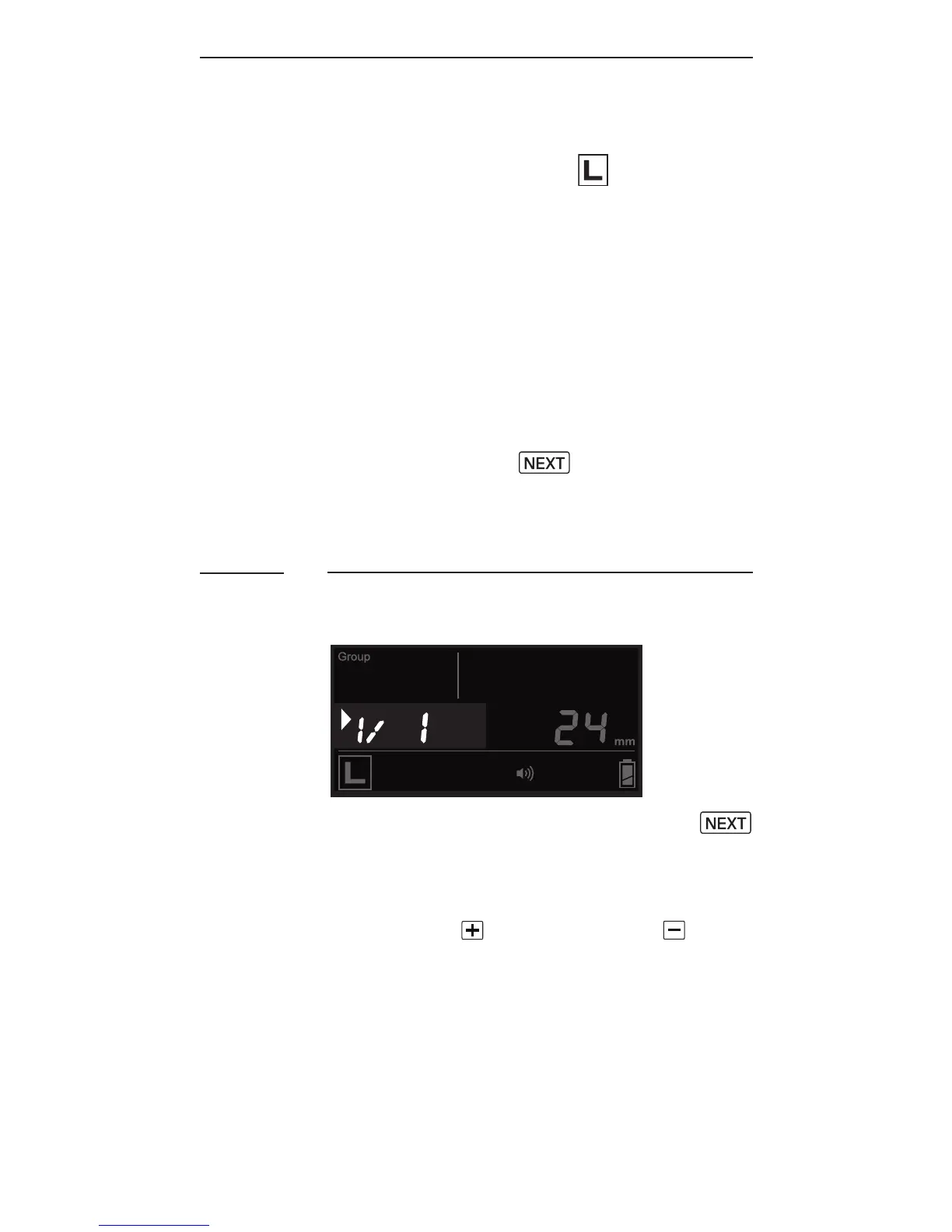
In the main screen, the power level
is shown on the left while the zoom
level is shown on the right. The
selection indicator ► will be shown
at either the power level or zoom
level. Press the button to
switch the selection indicator in
order to adjust a setting of an item.
Adjusting the Power Level
To adjust the power level, press
until the selection indicator ► is
pointing to the power ratio value
(i.e., the left f igure in the center
row). Press to increase or to
decrease the power level.



 To Next Page