27
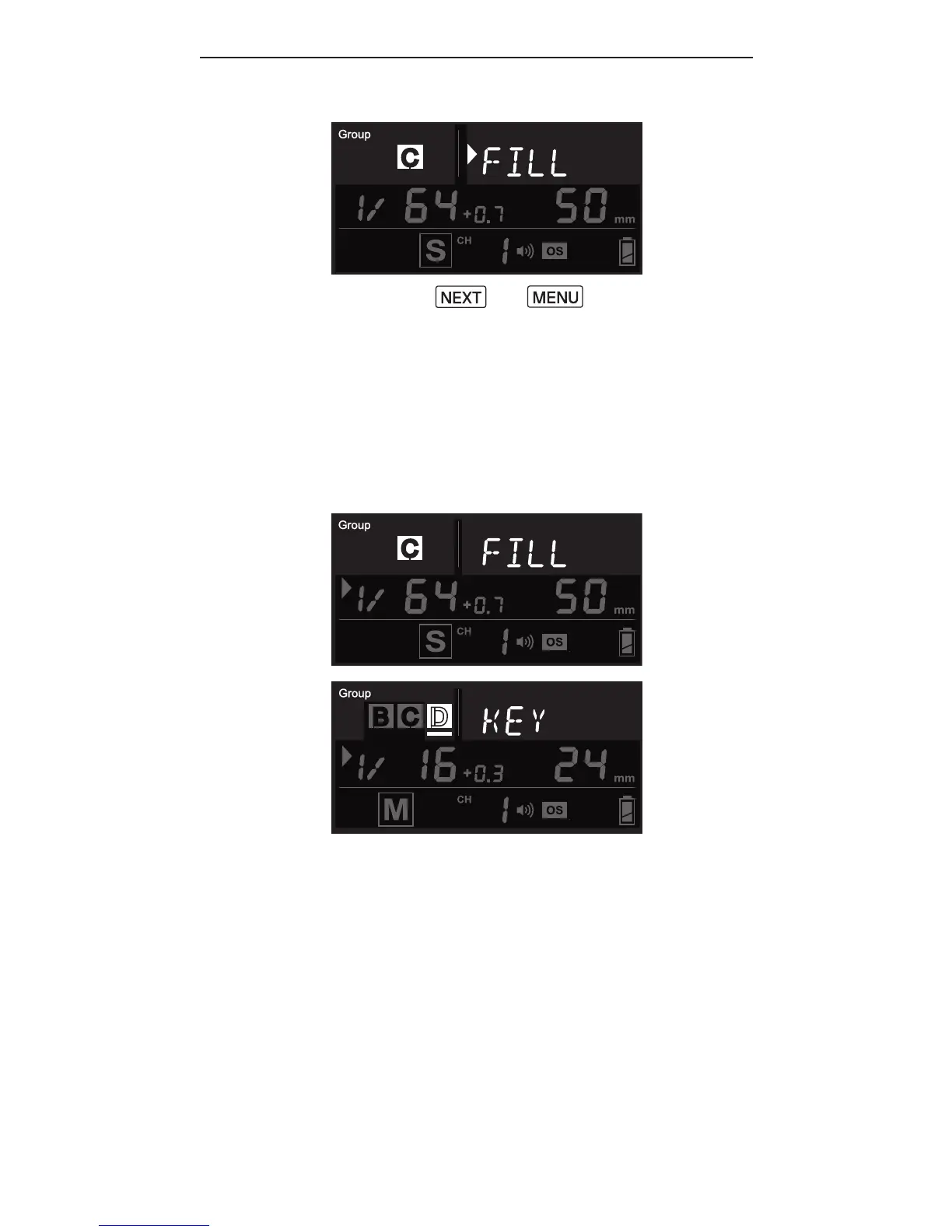
3. Press or to conf irm
the alias and exit.
4. Repeat steps 1-3 to set aliases
in all the Cactus RF60X units.
To prevent confusion, make sure
that you have set the same alias
for the same group in all RF60X
units.
5. The alias of each group will
appear in Slave mode or Master
mode whenever the group is
selected.



 To Next Page