30
Hz
Power
10 11 12-14 15-19 20-50 60-199
1/4 2 2 2 2 2 2
1/8 4 4 4 4 4 4
1/16 8 8 8 8 8 8
1/32 20 20 20 18 16 12
1/64 50 40 40 35 30 20
1/128 70 70 60 50 40 40
Notes:
1. M u lti a s h is m o st effe ctiv e
w it h a h i g h ly r e e ctiv e s u bje ct
against a dark background.
2. M u lti a s h i s n ot s u p p or t e d at
power level higher than 1/4.
3. T h e M u lti a s h m a y b e u s ef u l w h e n
combined with a camera set to
bulb mode.
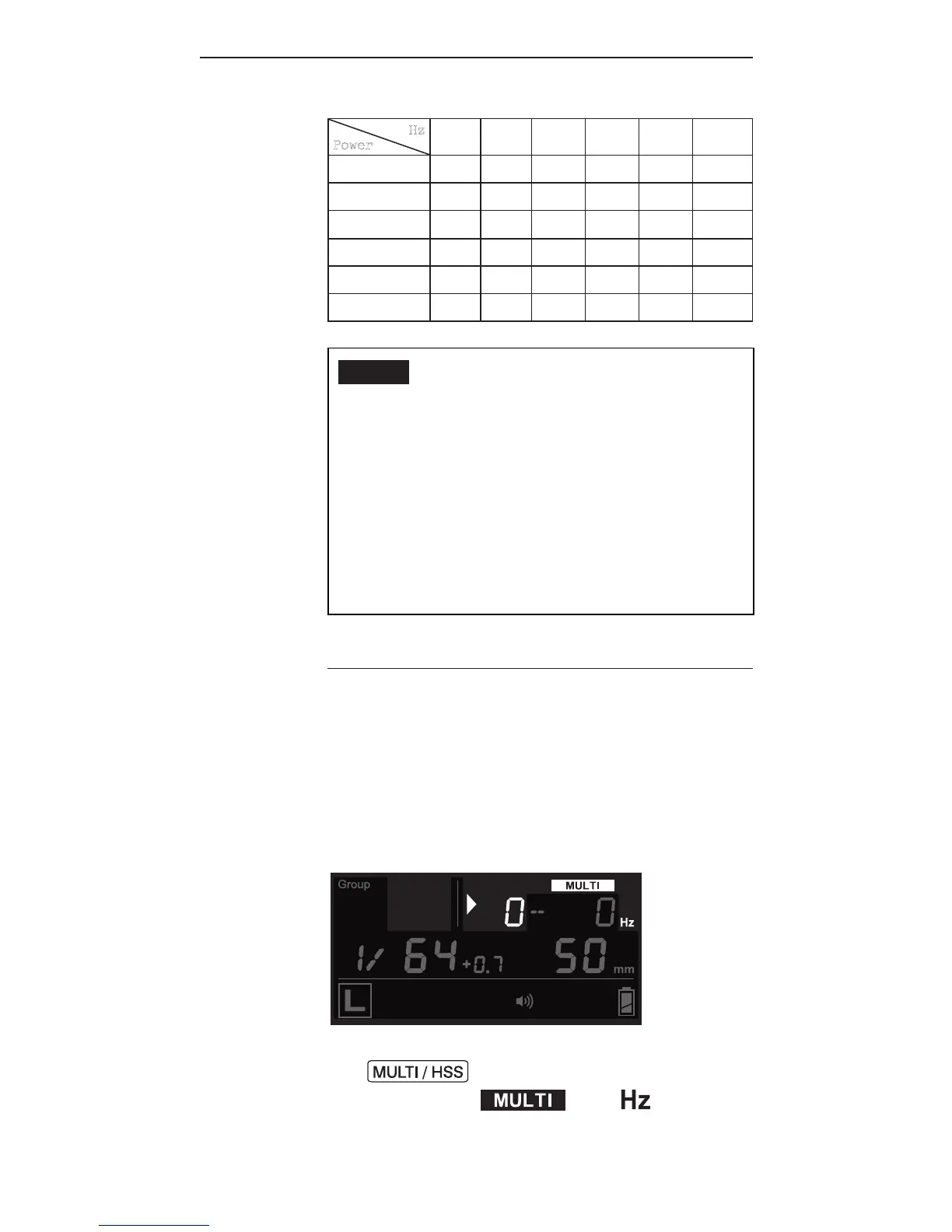
11.1.1 Multi Flash in Local Mode
Once you have determined the number
a n d t h e f r e q ue n c y of a s h e s i n a
s e r ie s, y o u c a n se t u p t h e a s h i n
Multi mode.
1. To enter Multi Mode, press
once and the LCD display
will show and .



 To Next Page