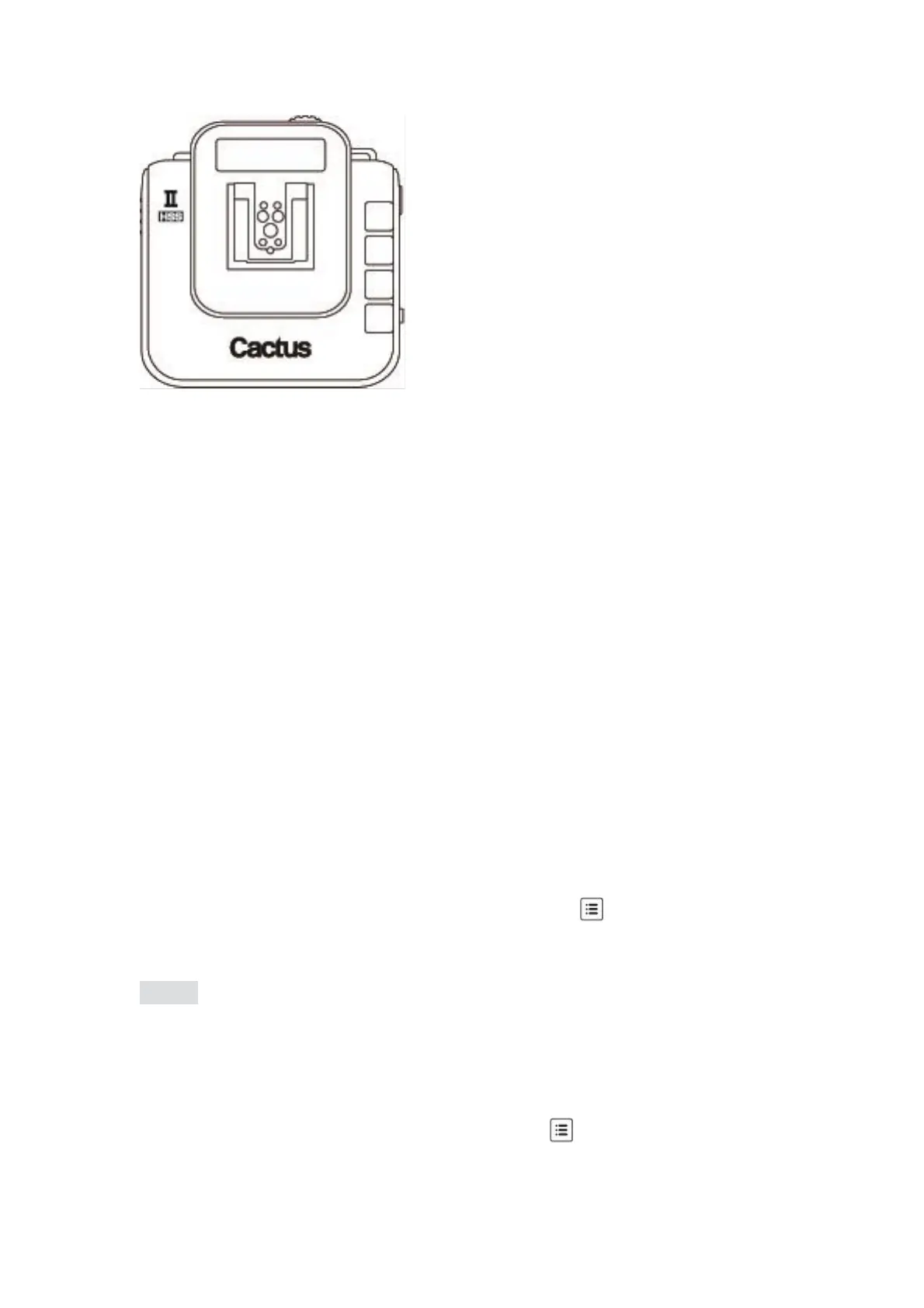
The V6 II transceiver comes with a multi-system shoe that supports TTL pass-
through.
While the V6 II does not command slave flashes to fire TTL exposures wirelessly, it is
designed to pass TTL signal from camera to flash via the transmitter (TX) and vice
versa.
The multi-system shoe supports TTL pass-through of Canon, Fujifilm, Nikon,
Olympus, Panasonic, and Pentax systems. Make sure that camera and flash unit
belong to the same TTL system.
With TTL pass-through, the TTL flashes behave as they would when directly
connected to the camera hot shoe. The V6 II will work as a wireless flash commander
while supporting all the automatic features (e.g., automatic flash output via TTL
metering, AF assist light, second curtain sync, high speed sync/FP shutter) provided
by the TTL flash system.
To enable TTL pass-through in the V6 TX II, press and hold for 2 seconds. The LCD
will show the TTL pass-through indicator at the left bottom corner where the channel
indicator used to be.
(image)
In TTL pass-through mode, the V6 II TX cannot control the power level of the flash
attached.
To disable the TTL pass-through mode, press and hold for 2 seconds. The TTL
pass-through indicator will be replaced by the channel indicator on the LCD.



 To Next Page