EasyManua.ls Logo

Cadco XAFT-115A - User Manual

Cadco XAFT-115A
14 pages
Print Icon
To Next Page IconTo Next Page
Loading...
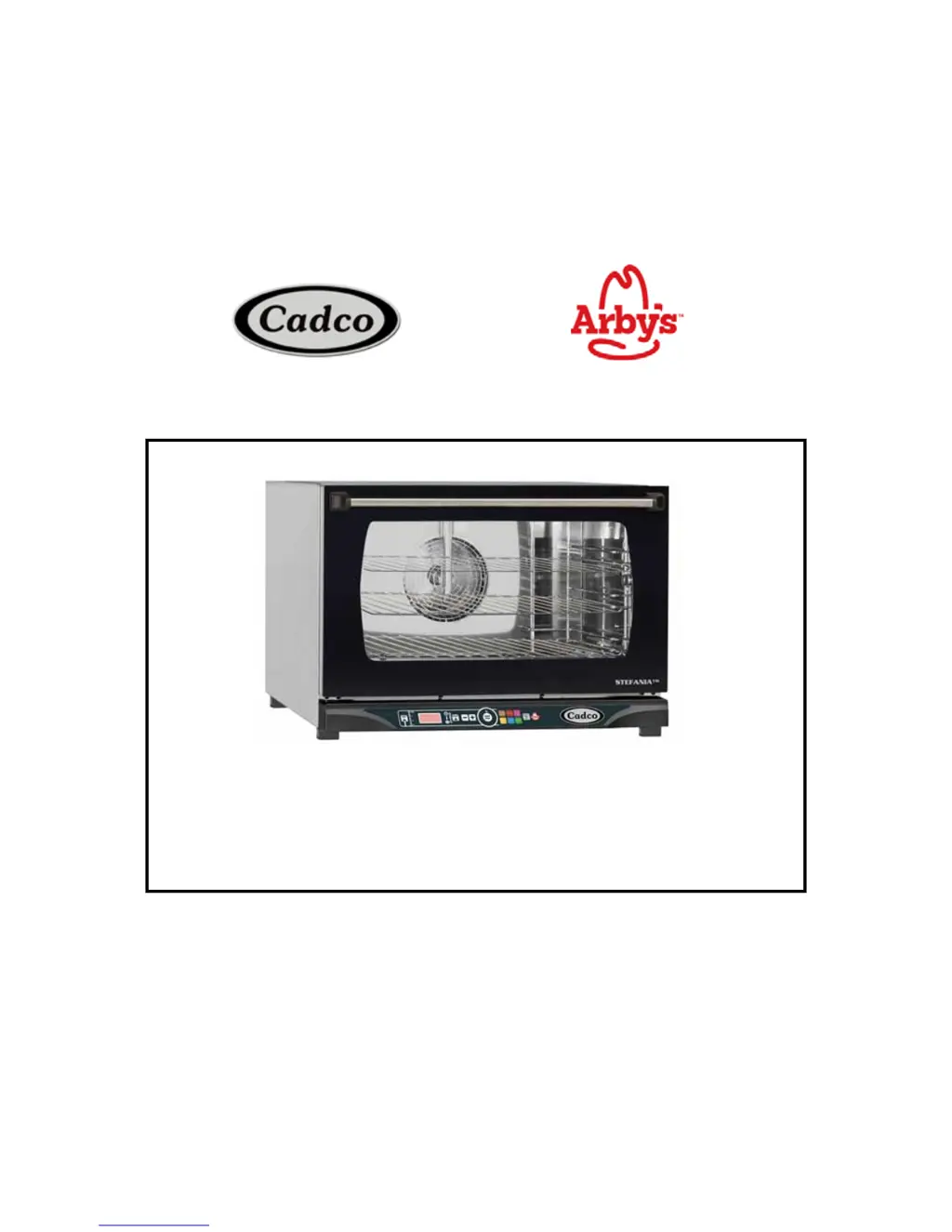
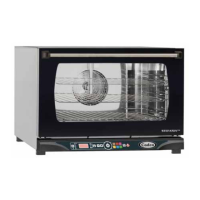
DIGITAL Convection Oven Instruction Manual
Model XAFT-115A:
Half Size/3 Shelves
208-240 Volt

Questions and Answers

  • L
    leehollyAug 2, 2025
    What to do if my Cadco XAFT-115A Convection Oven is completely switched off?
    • J
      Julie ReyesAug 2, 2025
      If your Cadco Convection Oven is completely switched off, there are several potential causes. First, ensure the unit is properly plugged into the correct outlet type. If that's not the issue, the safety thermostat might have activated to prevent overheating; try resetting it. If neither of these solutions works, the oven may be out of order, and you should contact Cadco Service.
  • A
    alexanderdavisAug 9, 2025
    Why is no humidity produced in my Cadco Convection Oven?
    • J
      Jeffrey WhiteAug 9, 2025
      If no humidity is being produced in your Cadco Convection Oven (Dynamic models only), possible causes include: * The water inlet is closed: Open the water inlet. * The oven is incorrectly connected to the water supply or tank: Ensure the oven is correctly connected. * The water tank is empty: Fill the tank with water. * The water supply filter is clogged: Clean the filter.
  • J
    Jennifer MillerAug 17, 2025
    What to do if Cadco Convection Oven doesn't start after setting time?
    • A
      Antonio WilliamsAug 17, 2025
      If your Cadco Convection Oven doesn't start after setting the time and pressing the START/STOP button, it might be because the door is open or not completely shut. Make sure the door is completely shut.
  • P
    perezhollyAug 25, 2025
    How to fix water leaking from Cadco XAFT-115A door?
    • C
      Christopher LutzAug 25, 2025
      If water escapes from the door gasket of your Cadco Convection Oven when the door is shut, the following issues may be the reason: * The gasket is dirty: Clean the gasket with a damp cloth. * The gasket is damaged: Replace the gasket. * The door handle mechanism is loose: Get the handle mechanism repaired or replaced.

Summary

I. INSTRUCTIONS FOR THE INSTALLER

Preliminary Installation Operations

Covers location, feet assembly, positioning, and protective film removal for installation.

II. INSTRUCTIONS FOR THE USER

Control Panel Features Overview

Explanation of the digital control panel features and buttons.

Electrical Connection Procedure

Instructions for connecting the oven to the power supply.

Dynamic Control Panel Features

Operating in Programmed Mode

Start, Interrupt, and Shutdown

How to start, stop, interrupt, or set the oven to standby.

Setting Program Parameters

Cooking Temperature and Program Modifications

Cleaning and Breakdown Procedures

Emergency Shutdown Procedures

Emergency procedures for handling oven malfunctions.

IV. MAINTENANCE

Maintenance Procedures and Troubleshooting

Fuse Replacement Guide

Step-by-step guide for replacing the oven's fuse.

Safety Thermostat Reset

Instructions for resetting the safety thermostat after overheating.

Troubleshooting Common Issues

Common problems, causes, and solutions for oven issues.

Door Removal and Reattachment

Remove and Reattach the Oven Door

Detailed instructions with figures for door removal and reinstallation.

VII. WARRANTY

Cadco XAFT-115A Specifications

General IconGeneral
ModelXAFT-115A
TypeConvection Oven
Control TypeManual
Interior MaterialStainless Steel
Exterior MaterialStainless Steel
ThermostatYes
FanYes
Temperature Range175°F - 500°F
Power Supply120V / 60Hz / 1-Phase
Timer60-minute timer

Related product manuals