7-01-014 CADD PRIZM POWER PACK INSTRUCTION FOR USAGE
Chartwell Pennsylvania, LP 2017. All rights reserved. Page 2 of 4
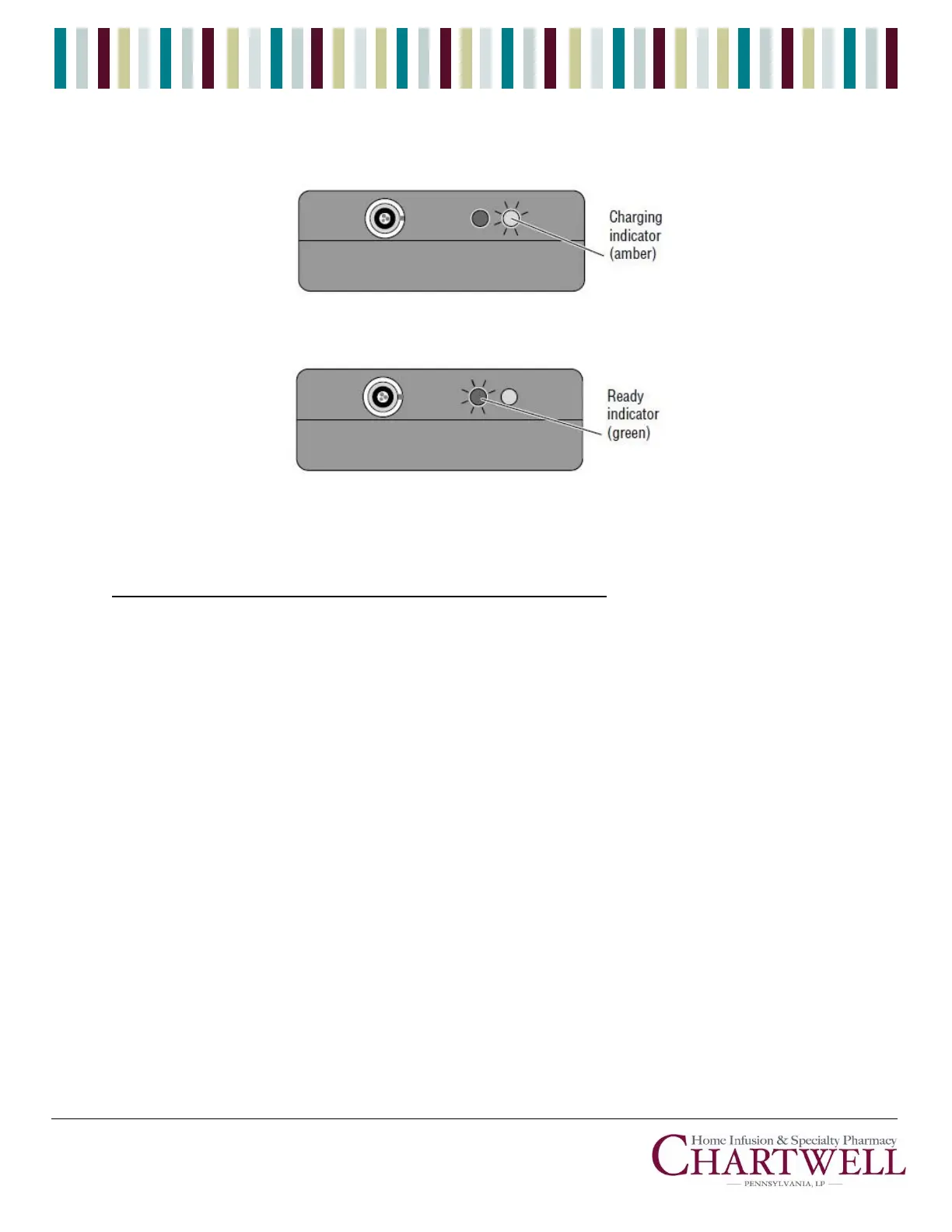
3. Observe the power pack’s indicator lights:
a. The charging (amber) indicator light shows the power pack is charging
b. You may use the power pack when the ready (green) indicator light comes on.
c. If neither light is on, check the connections and AC outlet. (Refer to the Troubleshooting
Chart for more information about the indicator lights).
Connecting the Power Pack to the CADD-Prizm ® Pump
Before connecting the power pack to the CADD-Prizm® pump, make sure the pump contains a
good 9-volt battery.
1. Open the Power jack cover on the side of the pump.
2. Line up the red mark on the power pack’s output connector with the red mark on the pump.
Push the connector forward until it stops. Do not twist or turn the connector. Grasp the
connector directly behind the flared portion and pull lightly to assure that the connector is
securely attached.
CAUTION: Failure to push the connector all the way forward may result in an intermittent
connection, and the connector may dislodge, causing a loss of power.



 To Next Page