7-01-014 CADD PRIZM POWER PACK INSTRUCTION FOR USAGE
Chartwell Pennsylvania, LP 2017. All rights reserved. Page 3 of 4
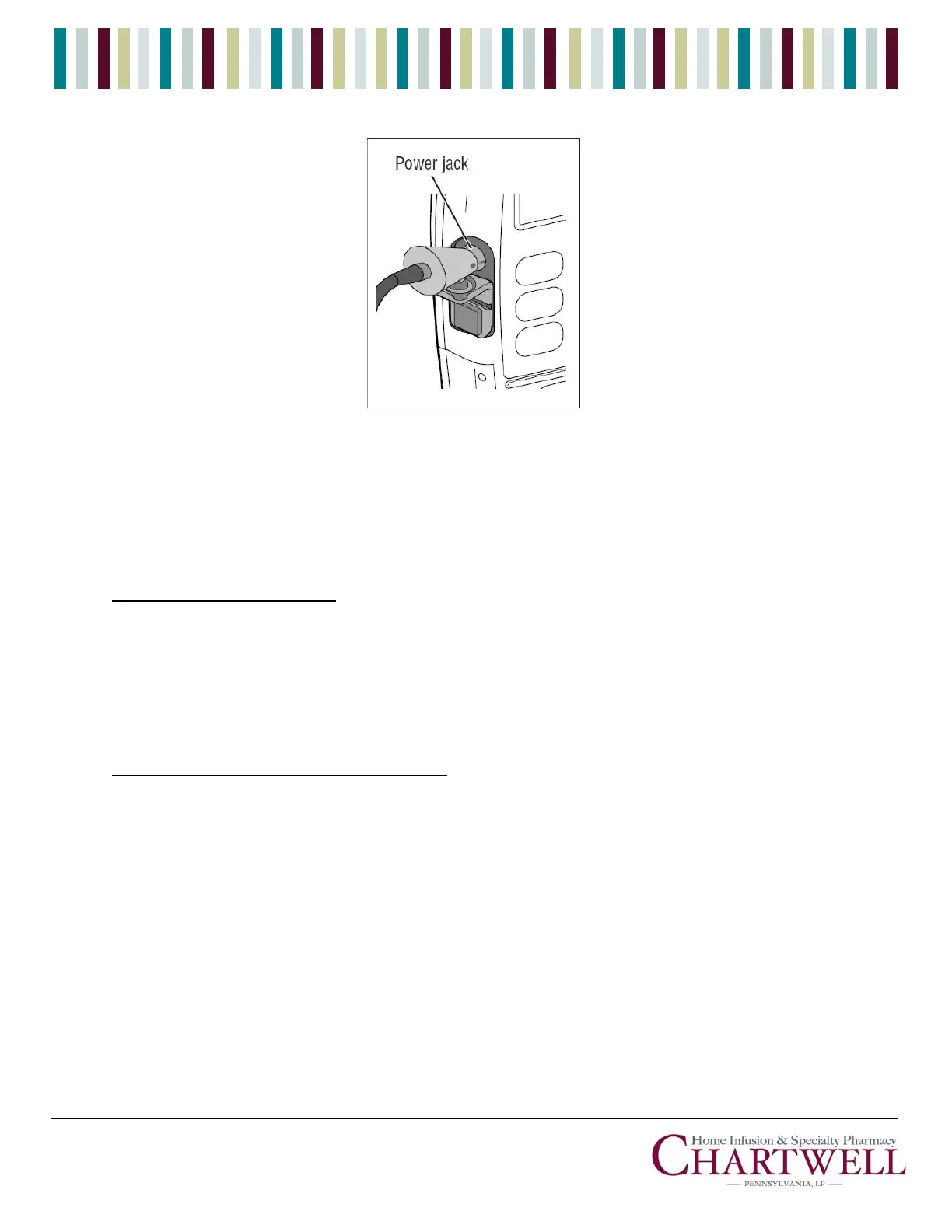
1. Watch for the message “Power Pack Good” on the pump’s display. Then you can continue
programming or operating the pump.
CAUTION: If the CADD-Prizm® pump is mounted on an IV pole, do not allow the power pack to
hang as this may result in damage to the power pack.
BATTERY MAINTENANCE
If the power pack shows signs of reduced capacity (for example, more frequent low battery alarms occur or run
time is reduced), use the Battery Refresh Cycle feature to restore battery capacity. Normally, only one full cycle is
needed; however, you may need to complete one or two additional cycles to fully restore battery capacity. You
may also use the Battery Refresh Cycle periodically (for example, every 30 days) during use to maintain battery
capacity. After using the Battery Refresh Cycle, recharging time will be extended.
TO USE THE BATTERY REFRESH CYCLE
1. Attach the AC Adapter to the power pack INPUT connector. Plug the AC adapter into an AC wall
outlet. Do not attach the power pack to a pump.
NOTE: The AC adapter must remain plugged into the wall outlet and power pack throughout
the entire cycle.
2. Press the Battery Refresh Cycle button on the face of the power pack and place the power pack
on a table. The amber light will flash while the battery is charging.
3. When the power pack is completely discharged (approximately 8 hours for a fully charged
battery), the amber light will stop flashing and will remain lit. The power pack will immediately
begin recharging.
4. Allow the power pack to recharge until the ready (green) indicator light comes on.


 To Next Page
 Loading...
