yellowblue
3-9
D
When you enter a vehicle in cold weather, adjust the
fan to the highest speed for a few moments before
driving off. This helps clear the intake outlets of
snow and moisture, and reduces the chance of
fogging the inside of the windows.
D
Keep the air path under the front seats clear of objects.
This helps circulate air throughout your vehicle.
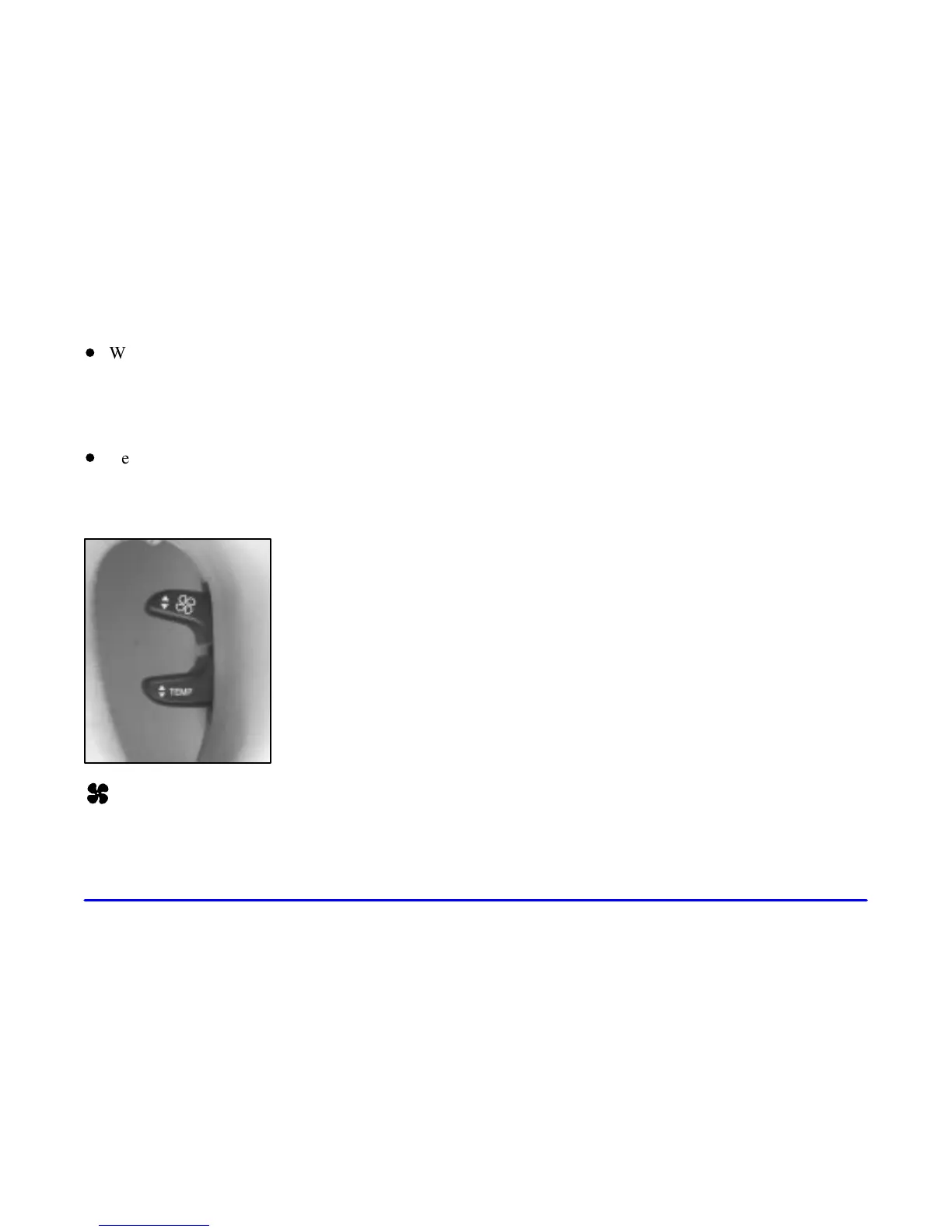
HVAC Steering Wheel Controls
Some heating and cooling
controls can be adjusted at
the steering wheel. Other
touch controls operate some
audio controls. See “Audio
Steering Wheel Controls” in
the index.
FAN SPEED: Press the up arrow lever to increase
the fan speed and the down arrow lever to decrease
fan speed.
TEMP: Press the up arrow lever to increase
the temperature and the down arrow lever to
decrease temperature.
Climate Control Personalization
(If Equipped)
This feature allows both driver’s (driver 1 or 2 depending
on the number on the back of your remote keyless entry
transmitter) to personalize their own climate control
settings. For more information, see “Memory and
Personalization Features” in the Index.
Audio Systems
Your Cadillac audio system has been designed to operate
easily and give years of listening pleasure. You will get
the most enjoyment out of it if you acquaint yourself
with it first. Find out what your audio system can do
and how to operate all its controls, to be sure you’re
getting the most out of the advanced engineering that
went into it.
Setting the Clock
Press and hold HR or MN until the time display begins
to change. Release the button as you get close to the
correct time. The time may be set anytime the clock is
displayed. There is a two
-second delay before the clock
goes into time
-set mode.











 To Next Page