52 Locks and car alarm
Reprogramming lock system
functions
Certain lock system functions can be repro-
grammed. We recommend that you contact
an authorised Cadillac workshop, see
page 248.
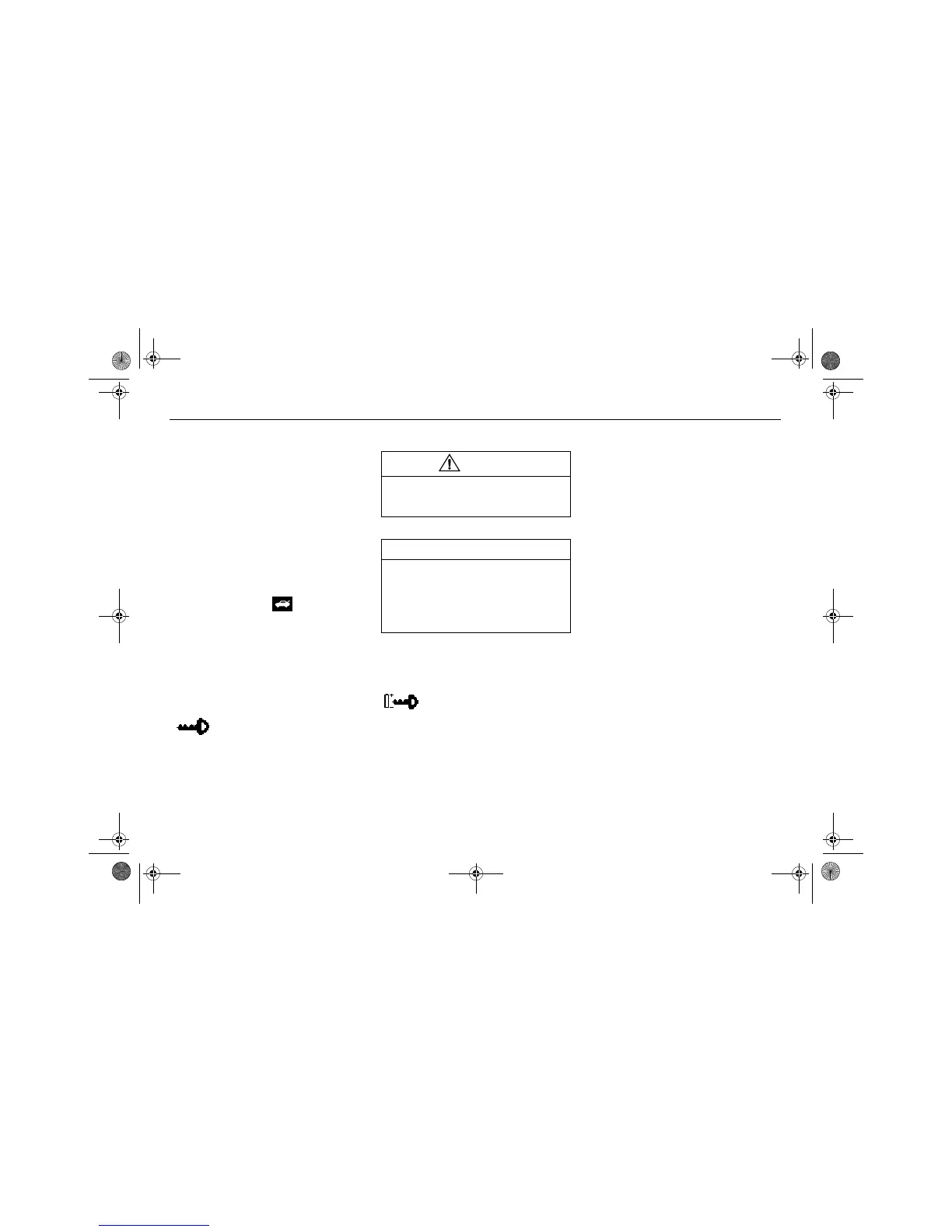
Checking the number of remote
controls
To check the number of remote controls that
are programmed for the car:
1 Insert the remote control into the ignition
switch and turn it to position 3.
2 Press and hold the button for more
than 2 seconds within 30 seconds of
turning the ignition switch to position 3.
3 The DIC will now display the number of
remote controls that are programmed for
your car, and which of these (1–5) is in
the ignition switch.
Example of DIC message:
Changing the battery
When the voltage of the remote control bat-
tery drops below a certain level, the DIC will
display:
Change the battery as soon as possible to
avoid malfunctioning.
Battery: For optimum performance in all
temperatures and good service life, we
recommend the use of a Sony or Panasonic
CR2032, 3V lithium battery.
The battery should last for about 4 years of
normal use.
The battery type is marked on the inside of
the remote control. Avoid leaving finger-
prints on the faces of the battery.
Number of keys:
Active key number:
WARNING
Keep the battery and other small compo-
nents of the remote control out of reach of
children.
NOTICE
The electronics of the remote control are
sensitive to electrostatic discharge. Incor-
rect handling when changing the battery
can damage the remote control. Avoid
touching electronic components of the
remote control with your hands.
Remote control battery
low. Replace battery.
460_OM_MY09.book Page 52 Wednesday, April 2, 2008 10:32 AM








 To Next Page