9-48 Driving and Operating
Turning the RVC System On
or Off
The RVC system is designed to
help the driver when backing up by
displaying a view of the area behind
the vehicle. When the vehicle is
shifted into R (Reverse), the video
image appears on the navigation
screen. After a delay, the navigation
screen displays the last screen
after the vehicle is shifted out of
R (Reverse).
To turn the RVC system on or off:
1. Shift into P (Park).
2. Press the CONFIG hard key to
enter the configure menu
options, then press the CONFIG
hard key to select Display or
touch the Display screen button.
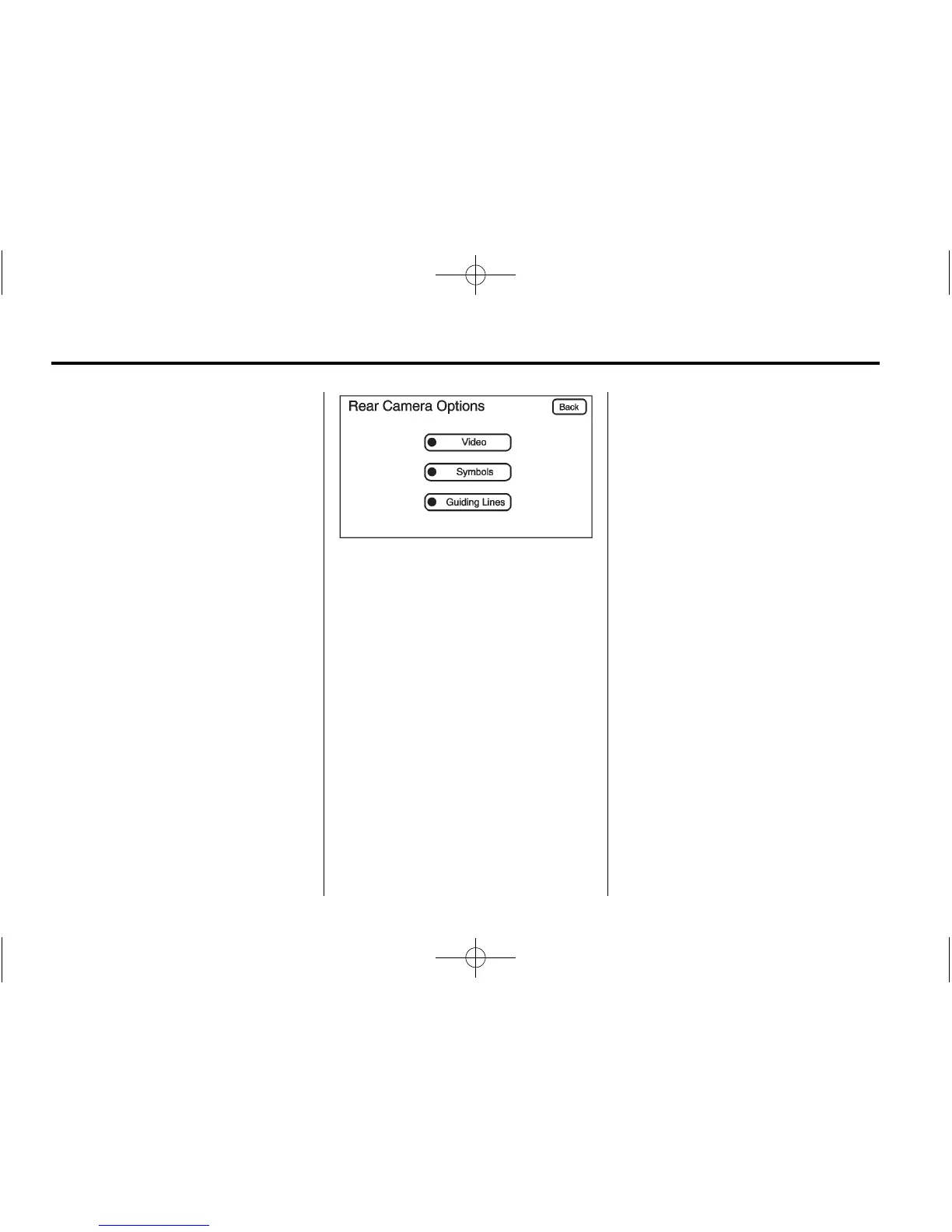
3. Select the Rear Camera Options
screen button. The Rear Camera
Options screen displays.
4. Select the Video screen button.
When the Video screen button
is highlighted the RVC
system is on.
The delay that is received after
shifting out of R (Reverse) is
approximately 10 seconds. The
delay can be canceled by
performing one of the following:
.
Pressing a hard key on the
navigation system.
.
Shifting in to P (Park).
.
Reach a vehicle speed of
8 km/h (5 mph).
Adjusting the Brightness and
Contrast of the Screen
To adjust the brightness and
contrast of the screen, press the
CONFIG hard key while the RVC
image is on the display. Any
adjustments made will only affect
the RVC screen.
] (Brightness): Touch the + (plus)
or – (minus) screen buttons to
increase or decrease the brightness
of the screen.
_ (Contrast): Touch the + (plus)
or – (minus) screen buttons to
increase or decrease the contrast
of the screen.
Symbols
The navigation system may have
a feature that allows for viewing
parking assist symbols on the
navigation screen while using the
RVC. The Ultrasonic Rear Park
Assist (URPA) system must not be
disabled to use the caution symbols.
If URPA has been disabled and the
symbols have been turned on, the











 To Next Page