Setting the Clock
To adjust the time:
1. Press
w,located on the radio, to enter the
main menu.
2. Turn
w until SET CLOCK displays.
3. Press
w to select SET CLOCK.
4. Turn
w to adjust the time.
5. Press
w to update the time and VEHICLE TIME
UPDATED displays.
To adjust the date:
1. Press
w to enter the main menu.
2. Turn
w until SET DATE displays.
3. Press
w to select SET DATE.
4. Turn
w to adjust the date.
5. Press
w to update the date and VEHICLE DATE
UPDATED displays.
Radio(s)
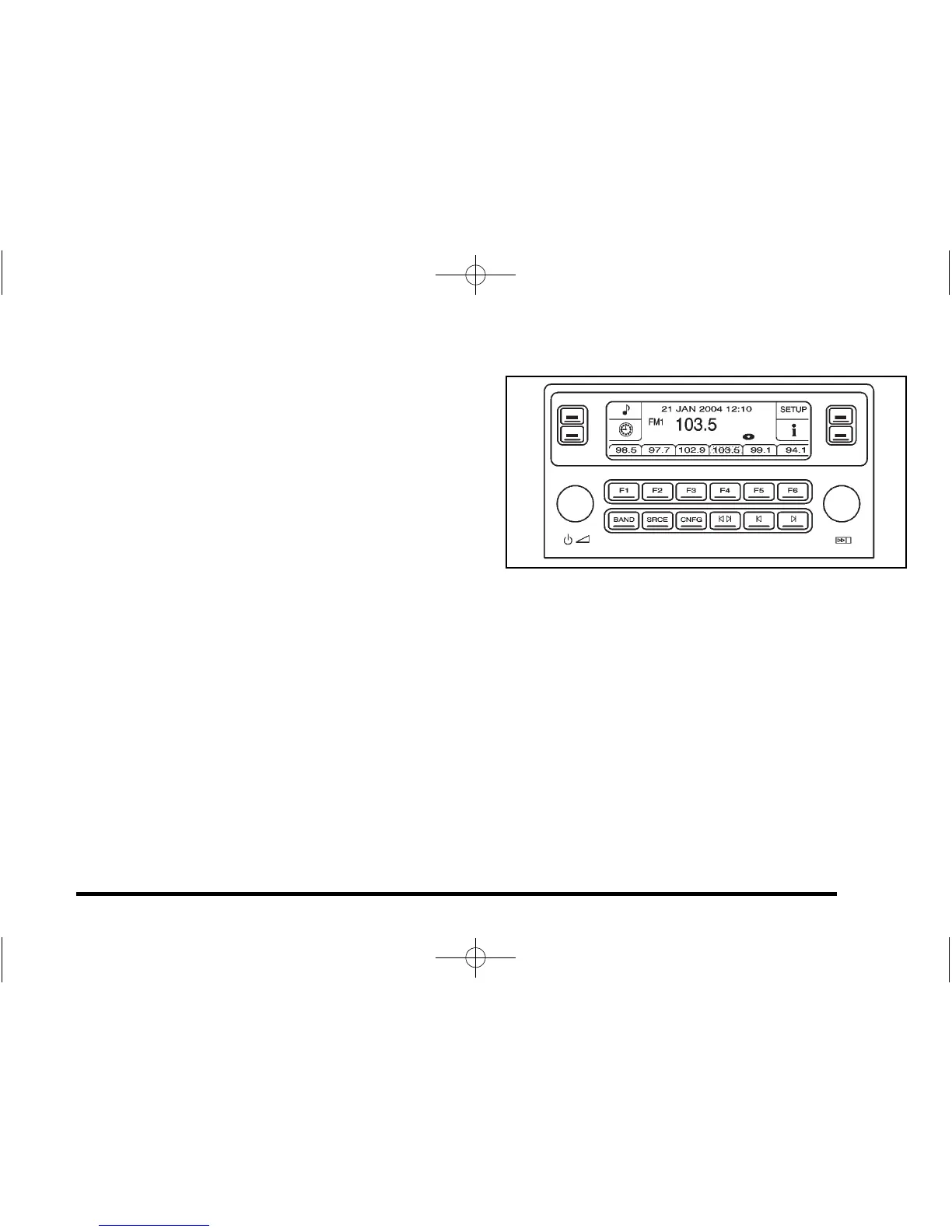
Radio with CD shown, Radio with Six-Disc CD similar
Playing the Radio
O
(Power): Press to turn the system on and off.
n (Volume): Turn to increase or to decrease the
volume.
SRCE (Source): Press to select between the radio or
the CD player.
4-95















 To Next Page