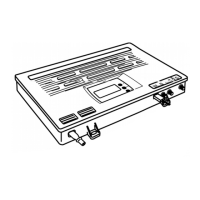
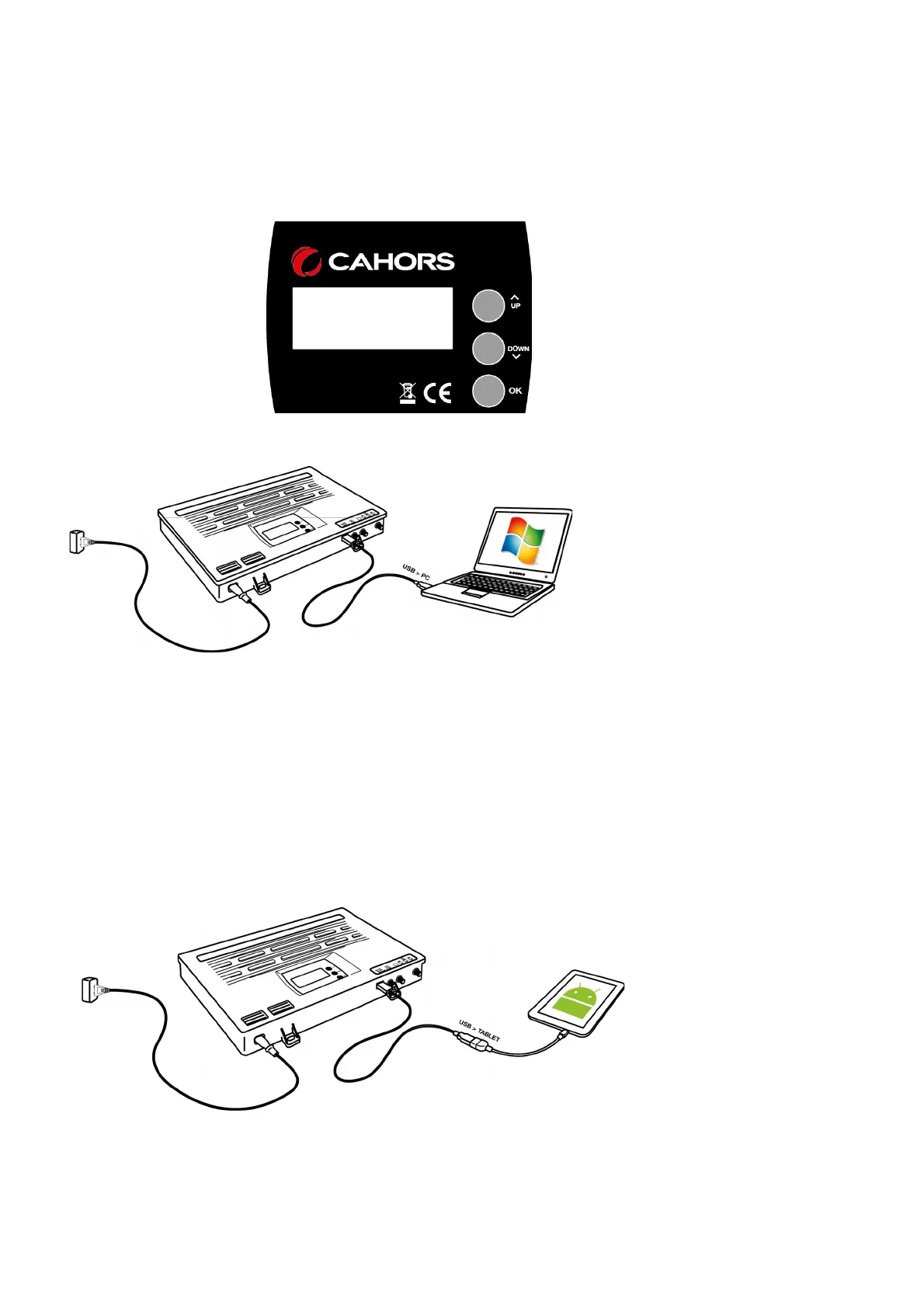
a) By means of a built-in Scheduler consists of a keyboard and a display which is
located on the central part.
b) by using a graphics software for PC
Windows compatible (connecting through
the USB from the central door).
c) By a tablet with operating system Android 4.0 or successive. The application is
optimized for tablet with screen from 5 "to 10".
Correct operation requires that the tablet is equipped with a USB port which is
authorized to the modality On The Go (OTG).
The latest tablets, produced by the major companies are normally provided.
For a correct connection must be used an adapter USB - OTG cable.
4


 To Next Page
 Loading...