30 SONAR Tour
The Browser
right pane contains main channel strips. You can drag the pane splitter bars to resize the
panes.
• Channel strips. Each track, bus and main in the project is represented by its own vertical
channel strip. Use the channel strip controls to mix and process tracks, buses and mains.
• Modules. Controls in channel strips are grouped into modules that can be shown or
hidden.
The Browser
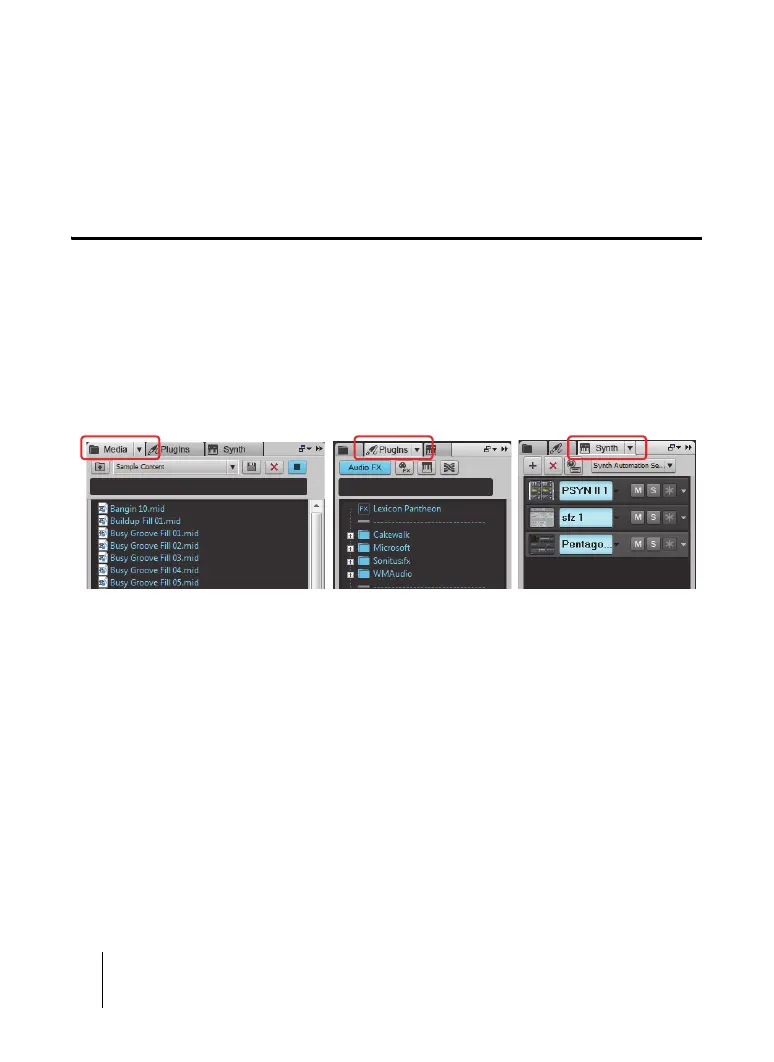
The Browser lets you find and import various types of content into your projects, including audio
and MIDI files, track and project templates, track icons, FX Chain presets, effect plug-ins and
instruments. You can drag content and plug-ins directly into tracks.
To expand or collapse the Browser, choose Views > Browser view or press B.
Figure 9. The Browser.
Media Browser Plug-in Browser
Synth Rack Browser



 To Next Page