34 Getting Started
Creating, playing and saving projects
Creating, playing and saving projects
Understanding and managing project files is central to your workflow in SONAR. In this tutorial,
we are going to cover the basics of getting started with project files and some of the operations
that can be performed with them. Whenever you write or record music in SONAR, you are
writing it to be saved into a project. A project can contain a variety of elements, including:
• Audio tracks
• MIDI tracks
• Instrument tracks
• DirectX and VST audio effects
• Project settings such as Tempo, Key and Meter changes
•Lyrics
Creating a new project
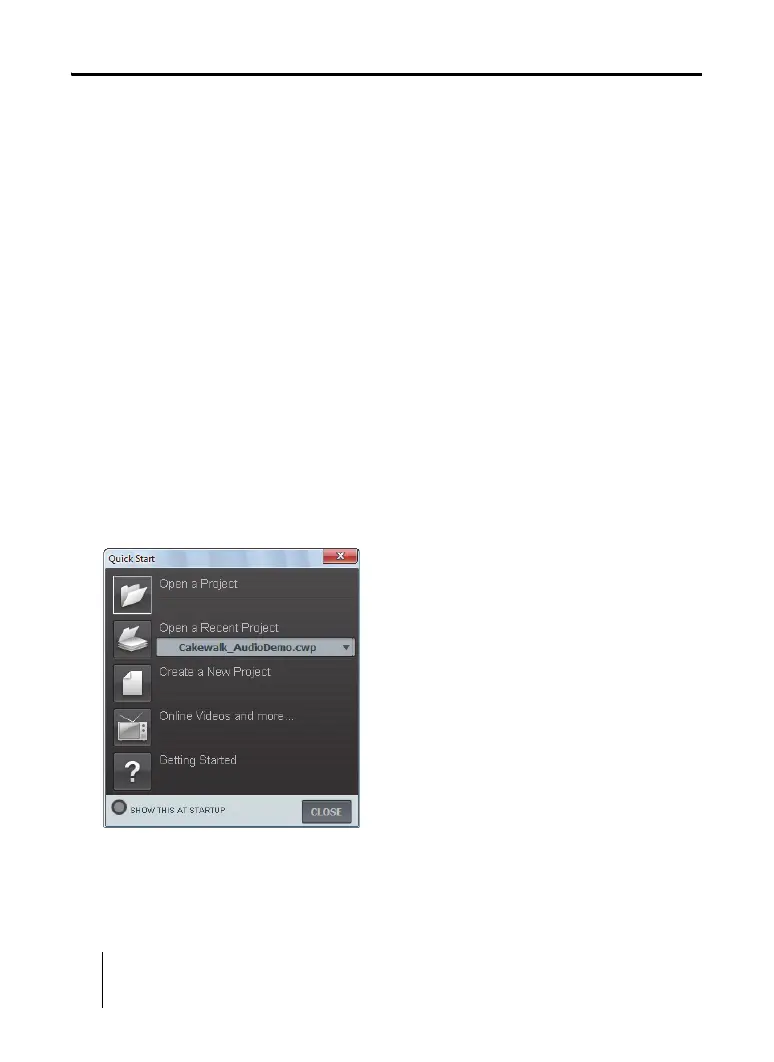
There are several ways to get started with a project in SONAR. When SONAR is opened, you
will be greeted with the Quick Start dialog. Let’s take a look at the options available in this
dialog.



 To Next Page