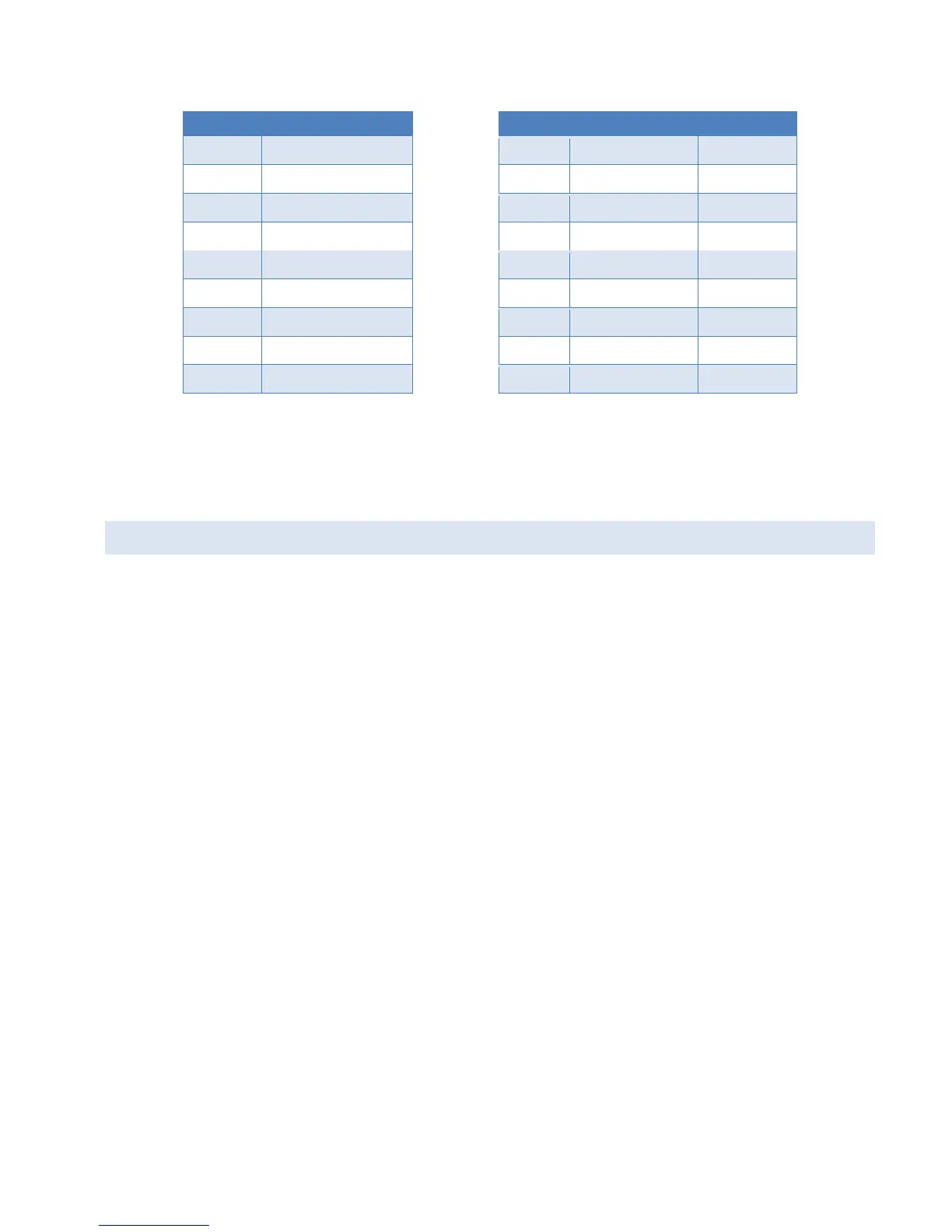
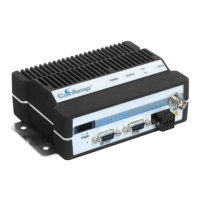
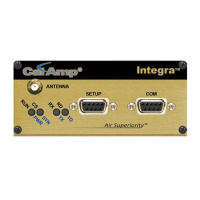
Table 17 Pin function comparison – Guardian and DL-3400
Pin 1 Audio In (Tx) Pin 8 Tx Audio Yellow wire
Pin 2 Audio Out (Rx) Pin 10 Rx Audio White wire
Pin 4 CD / RSSI Out Pin 7 CD Output Gray wire
Pin 5 Ground Pin 9 DC Ground Black wire
Pin 6 CS1 (Channel Select) Pin 3 Frequency Select Violet wire
Pin 7 CS3 N/A
Pin 8 CS2 N/A
Note: The Guardian provides for 8 channel selection on the User Interface port. The DL-3400 allows selection of
Channel 1 or 2 on the 10 pin user interface connector. The remaining channel selection is done using 3 pins on the DE-9
programming connector of the DL-3400.
PROGRAMMING
There are two options for programming the Guardian. There is a Write Guardian button in the User Configuration
window of the FPS for programming. The other option is to press F10 on the computer keyboard. See the following
figure.
Guardian™ Serial Modem or Analog Radio for Licensed Spectrum PN 001-5006-000 Rev. 3 | Page 68


 To Next Page