17
CalDigit
7
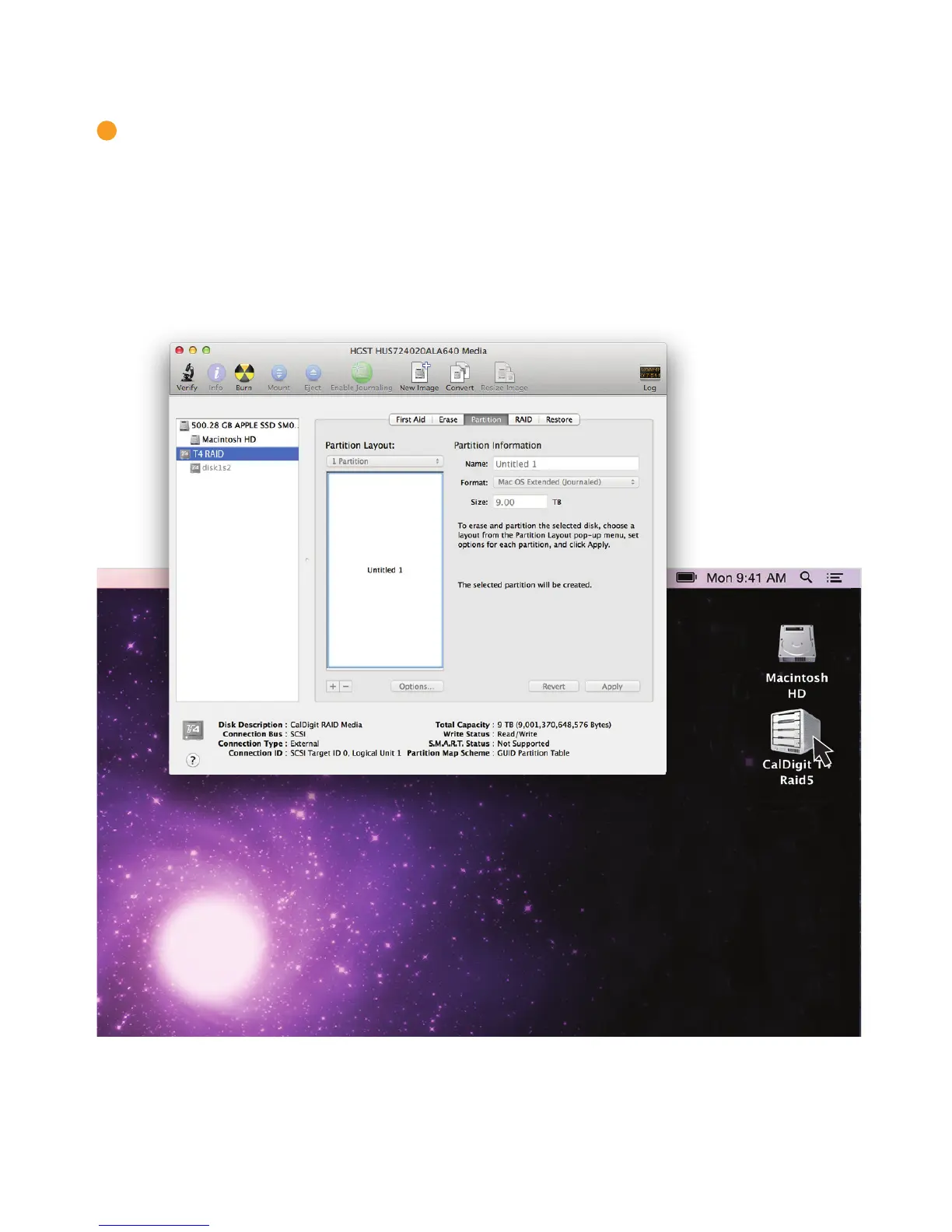
Select the “Partition” tab. Here you can change the options such as partition name, number
of partitions, and le system type. Once you have selected your options, conrm by selecting
the partition button. Once the partition has been created, the T4 will mount on your computer
and will be ready for use.



 To Next Page