19
CalDigit
3
4
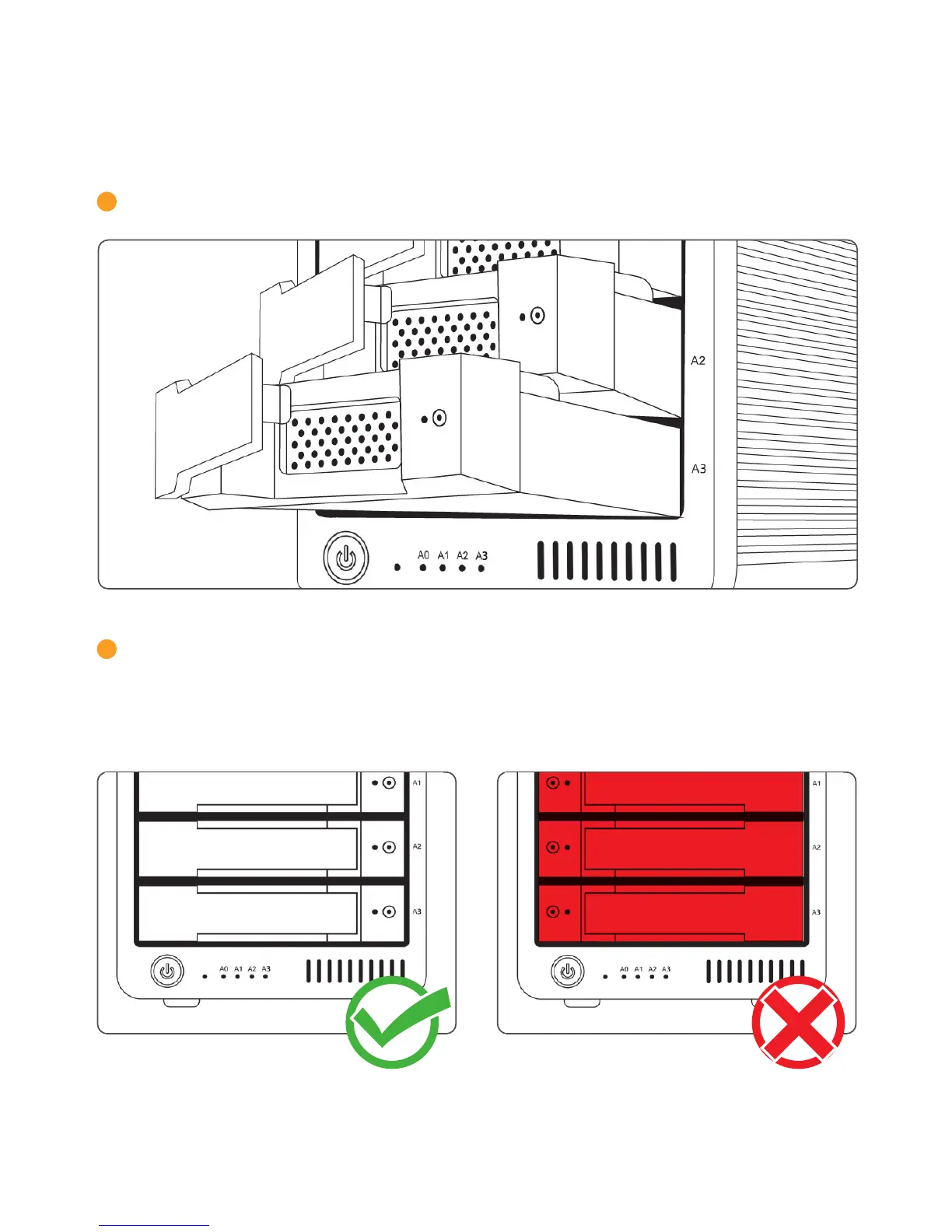
Pull the drive module from the T4 enclosure.
Insert the new drive in the same orientation as the drive you removed. The key holes should be
on the same side as the drive labeling. Push the drive in all the way and then press in the drive
module handle until it locks securely into place. Please do not use excessive force to insert the
drive or you can damage it. The new drive will mount onto your OS.



 To Next Page