EasyManua.ls Logo

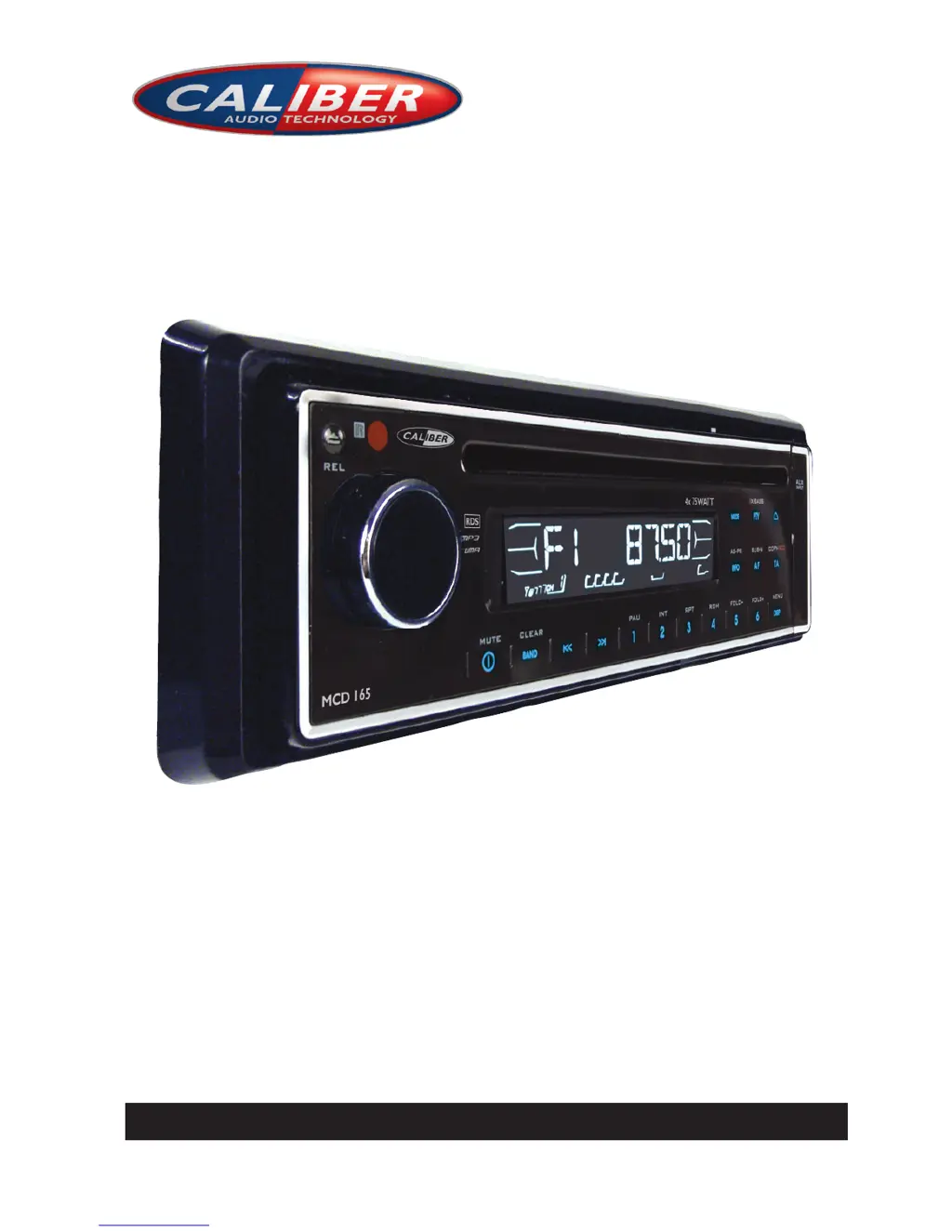
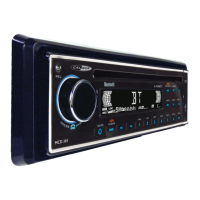
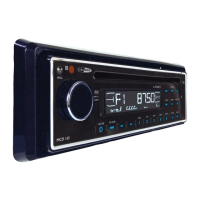
Caliber MCD 165 - User Manual

Caliber MCD 165
18 pages
Print Icon
To Next Page IconTo Next Page
Loading...
INSTRUCTION MANUAL
CAR CD/MP3 PLAYER / RDS RECEIVER
MCD 165

Questions and Answers

  • D
    Debbie LiAug 13, 2025
    Why is there no sound coming from my Caliber MCD 165?
    • A
      April KingAug 13, 2025
      If there is no sound from your Caliber Car Receiver, first, make sure the volume isn't set to the minimum. If the volume is at an audible level, check the wiring connections to ensure they are properly connected.
  • F
    finleywilliamAug 16, 2025
    What to do if my Caliber MCD 165 Car Receiver has no power?
    • J
      james98Aug 16, 2025
      If your Caliber Car Receiver has no power, ensure that the car ignition is switched to 'ACC' if the power supply is properly connected to the car accessory terminal. Also, check the fuse and replace it if it's blown.
  • D
    Donald KellyAug 20, 2025
    Why is my Caliber MCD 165 radio not working?
    • A
      april60Aug 20, 2025
      If the radio on your Caliber Car Receiver isn't working, make sure the antenna cable is firmly inserted. If it is, and the signals are weak, try selecting a station manually.
  • C
    Casey RomanAug 25, 2025
    What to do if the sound skips on my Caliber MCD 165?
    • S
      Sarah WrightAug 25, 2025
      If the sound skips on your Caliber Car Receiver, adjust the installation angle to less than 30 degrees. Also, the disc might be dirty or defective, so try cleaning it or using a new one.
  • C
    ccuevasAug 28, 2025
    How to fix operation keys that do not work on Caliber MCD 165 Car Receiver?
    • S
      shellyoliverAug 28, 2025
      If the operation keys on your Caliber Car Receiver aren't working, the built-in microcomputer may not be operating properly due to noise. Press the RESET button to resolve this.
  • J
    Joseph LeAug 31, 2025
    What to do if the disc cannot be loaded or ejected from my Caliber MCD 165?
    • C
      camposlauraAug 31, 2025
      If a disc cannot be loaded or ejected from your Caliber Car Receiver, first, remove any disc already inside the player before inserting a new one. Ensure you're inserting the compact disc with the label facing upward. If the disc is dirty or defective, clean it or try a new one. If the temperature inside the car is too high, allow the unit to cool. For condensation, leave the player off for about an hour before trying again.
  • N
    nicholas89Sep 4, 2025
    What does ERROR 1 mean on my Caliber MCD 165 Car Receiver?
    • A
      Amanda DelgadoSep 4, 2025
      If your Caliber Car Receiver displays ERROR 1, it indicates a mechanism error. Press the reset button; if the error code persists, consult your nearest service dealer.
  • M
    Matthew GrahamSep 8, 2025
    What does ERROR 2 mean on my Caliber Car Receiver?
    • C
      camposkimberlySep 8, 2025
      If your Caliber Car Receiver displays ERROR 2, it indicates a servo error. Press the reset button; if the error code persists, consult your nearest service dealer.

Summary

Handling Compact Discs

CD Handling Guidelines

Proper methods for handling CDs, including cleaning and avoiding damage.

Installation

DIN Front-Mount Installation (Method A)

Detailed steps for installing the unit using the conventional DIN front-mount method.

DIN Rear-Mount Installation (Method B)

Steps for installing the unit using screw holes on the sides for rear mounting.

Detachable Control Panel (D.C.P.)

Wiring Diagram and Connections

ISO Connector Wiring Scenarios

Details different ISO connector pin configurations for vehicle compatibility.

Basic Operations

Reset Button Function

Explains the purpose and usage of the reset button for troubleshooting.

Menu Operations

Audio Settings (Bass, Treble, Balance, Fader)

Adjusting audio parameters like bass, treble, balance, and fader for optimal sound.

Sound Enhancement Features (Loudness, EQ, iX-BASS)

Enabling features like Loudness, Equalizer presets, and iX-BASS for enhanced audio.

Radio Operations

Station Preset Buttons (M1-M6)

How to store and recall favorite radio stations using preset buttons.

Tuning and Seek Buttons

Using buttons for manual tuning and automatic station seeking.

CD Player Operations

MP3;WMA Operations

Searching by Directory or Track Name

Navigating and selecting files/directories by name or characters.

Troubleshooting

No Power Troubleshooting

Solutions for issues related to the unit not powering on.

Disc Loading and Playback Issues

Troubleshooting steps for problems with disc loading or playback.

Sound and Operation Key Issues

Resolving problems with no sound, operation keys, or sound skips.

Radio Reception and Error Codes

Addressing radio not working, automatic selection failures, and error messages.

Caliber MCD 165 Specifications

General IconGeneral
BrandCaliber
ModelMCD 165
CategoryCar Receiver
LanguageEnglish

Related product manuals