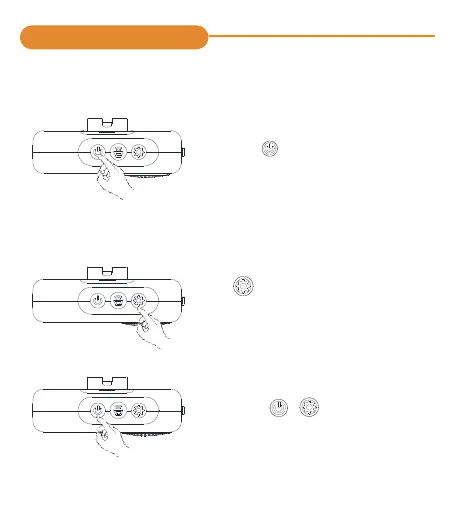
Hold Setting button for 5 seconds,
and there will be a “Ding”, meaning
it’s under pairing mode.
Choose a number for the transmitter
by pressing / (forward/backward)
The number you choose will display
on the screen.
Step 1
Step 2
-3-
① How To Use?(Paired Before Delivery)
1.Firstly, put the batteries in the
receiver.
2.Hold for 5 seconds to turn on
the receiver, and you will have
00 on the display screen.
②How To Pair?(Paired Before Delivery)
Operating Instructions



 To Next Page