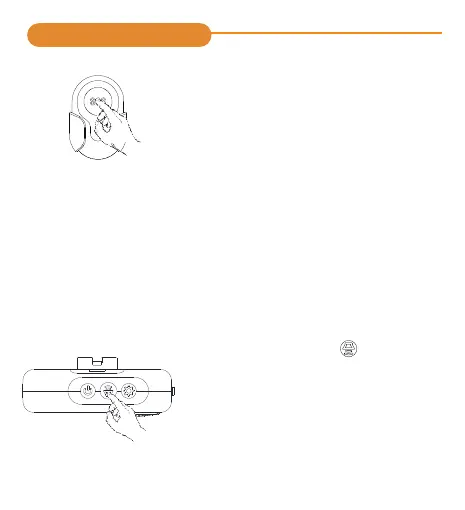
Press the transmitter once to pair with
receiver. If the pairing is successful, there
will be a“DingDing”from receiver, the
number appears on the display screen.
Step 3
-4-
※Pair to more transmitter/ receivers
If you want to pair more transmitter/ receivers, just repeat
step 1-3 one by one.
One receiver can work with 20 transmitters. One transmitter
can pair to one number on the receiver.
Operating Instructions
③Clearing All Settings
Hold Volume button for 5 seconds
to reset receiver to default mode.
The receiver will ding with number
“01” on the screen, meaning
clearing is done. If you want to pair
the them again, just repeat step 1-3
one by one.



 To Next Page