Setting the Controls
The First Use
For the first use, we suggest preheating the convection oven without food to
burn off any oils used in the manufacturing process. The oven may emit a
light smoke or odor as it heats up during the first few minutes of operation.
This will dissipate quickly and is not a reason for concern.
1. When powered on, default settings for the convection oven are
displayed. The oven is set to Bake for 10 minutes at 350˚F with the
convection fan activated.
2. Turn the Temp/Shade knob to the right to select the highest setting
450˚F.
3. Press Start.
4. Allow the empty convection oven to complete the 10 minute baking
cycle while any light smoke or odor dissipates.
Sleep Mode: While setting the controls, please NOTE that if the
convection oven sits for three minutes without being activated, it will go into
Sleep mode. To bring the oven out of Sleep Mode, press any button.
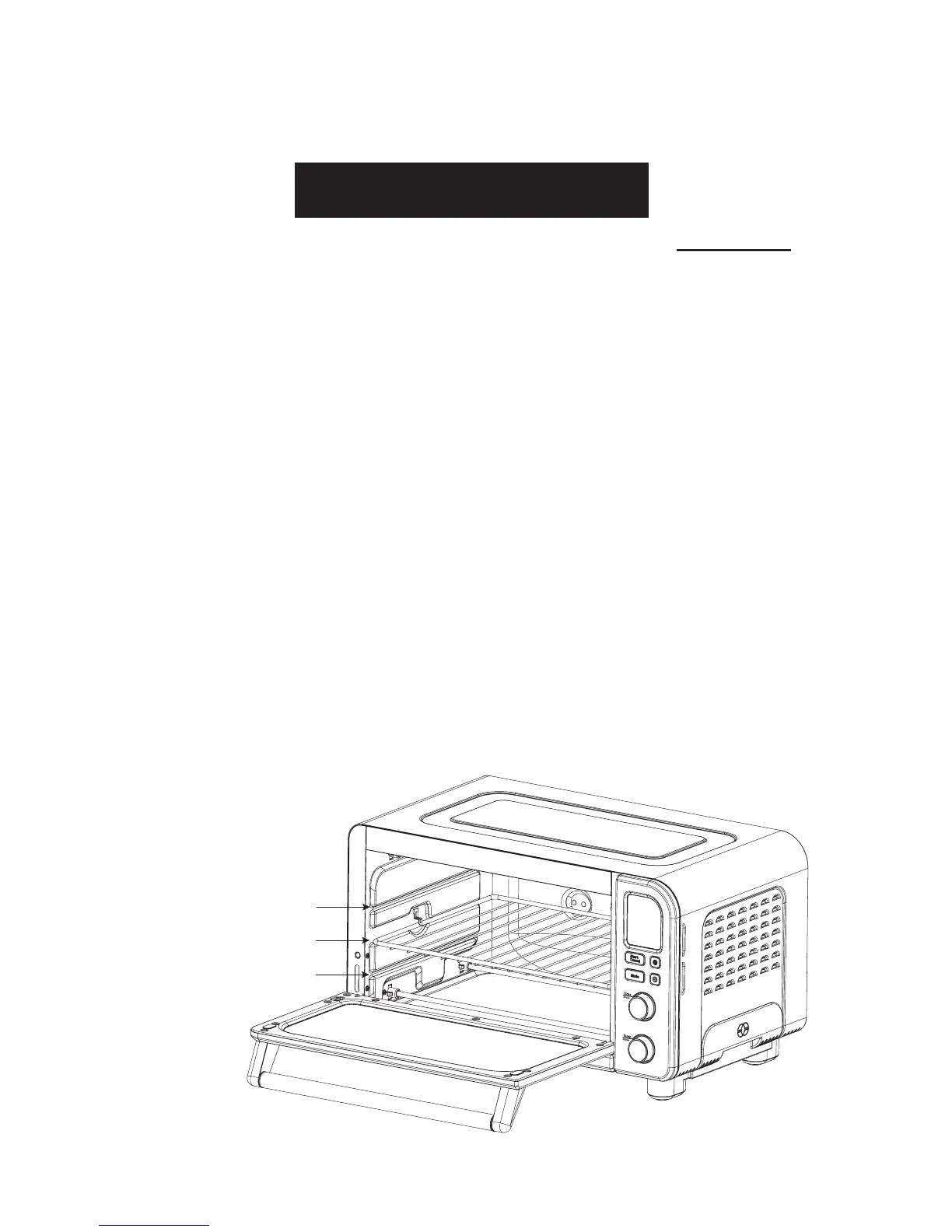
Step 1: CHOOSE A RACK POSITION
ATTENTION
7


 To Next Page