Connect your smartphone - app currently being developed
12
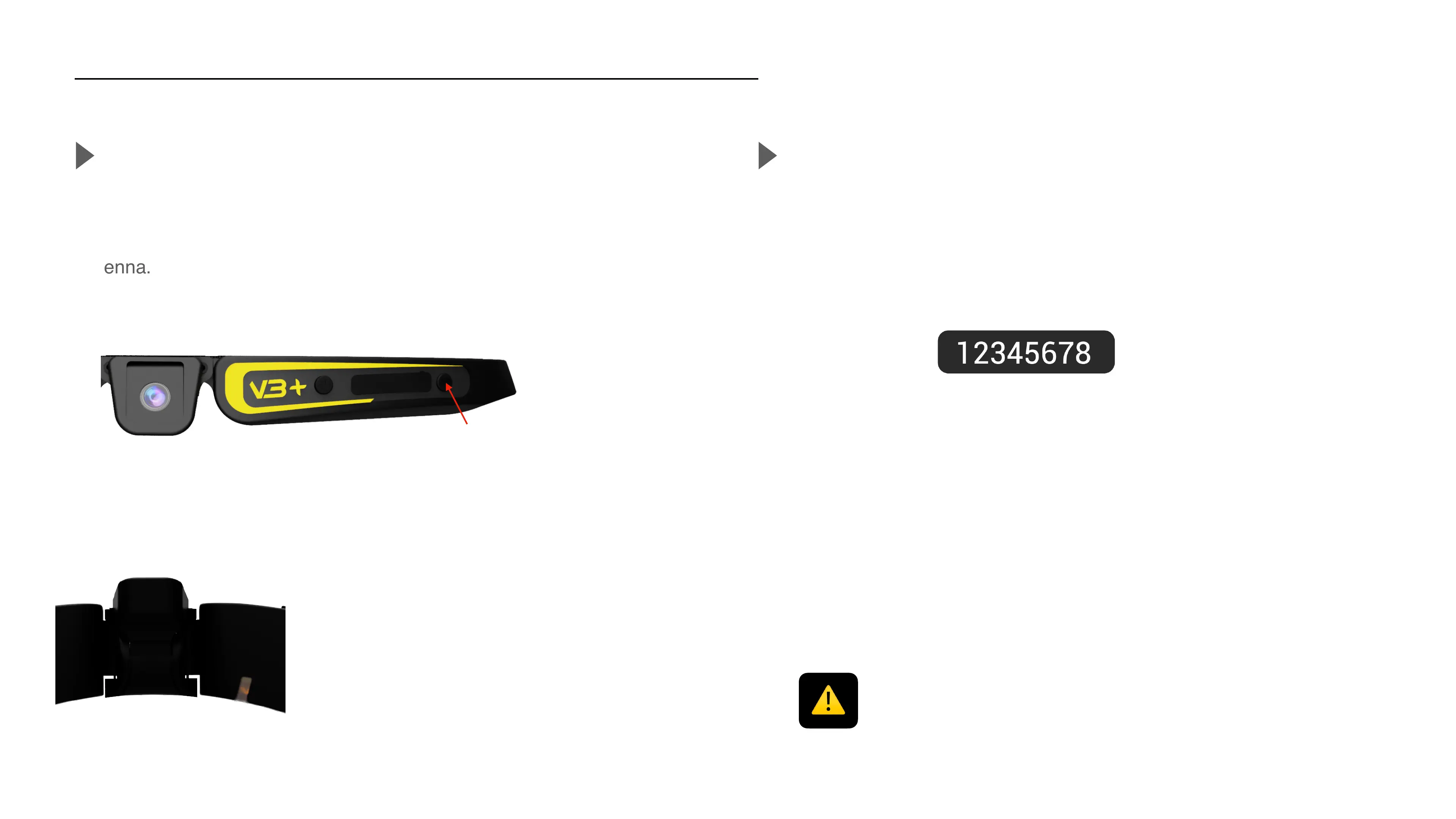
Activate the Wifi antenna
When the camera is on, pause any recording (cf P.7). The blue LED
must be solid. You can now press on theWifi button to activate the Wifi
antenna.
Your Cambox will then display a flashing
orange LED, indicating the antenna is
activated and the network is detectable.
Pair your smartphone
In the wifi settings of your smartphone, choose the network called
«"CAMBOXV3PLUS"» then enter the default password.
Password
Once the connexion is set, the orange LED will become solid.
One quick push
IMPORTANT !
If your phone displays a message indicating that this connection does not provide
internet access, it is mandatory to accept otherwise the connection will not be
possible.



 To Next Page