Battery information
CAUTION !!
!
If your Cambox switches off automatically a few seconds after being turned on, it
can either be caused by a too low battery level or by the memory card that is full or
absent.
11
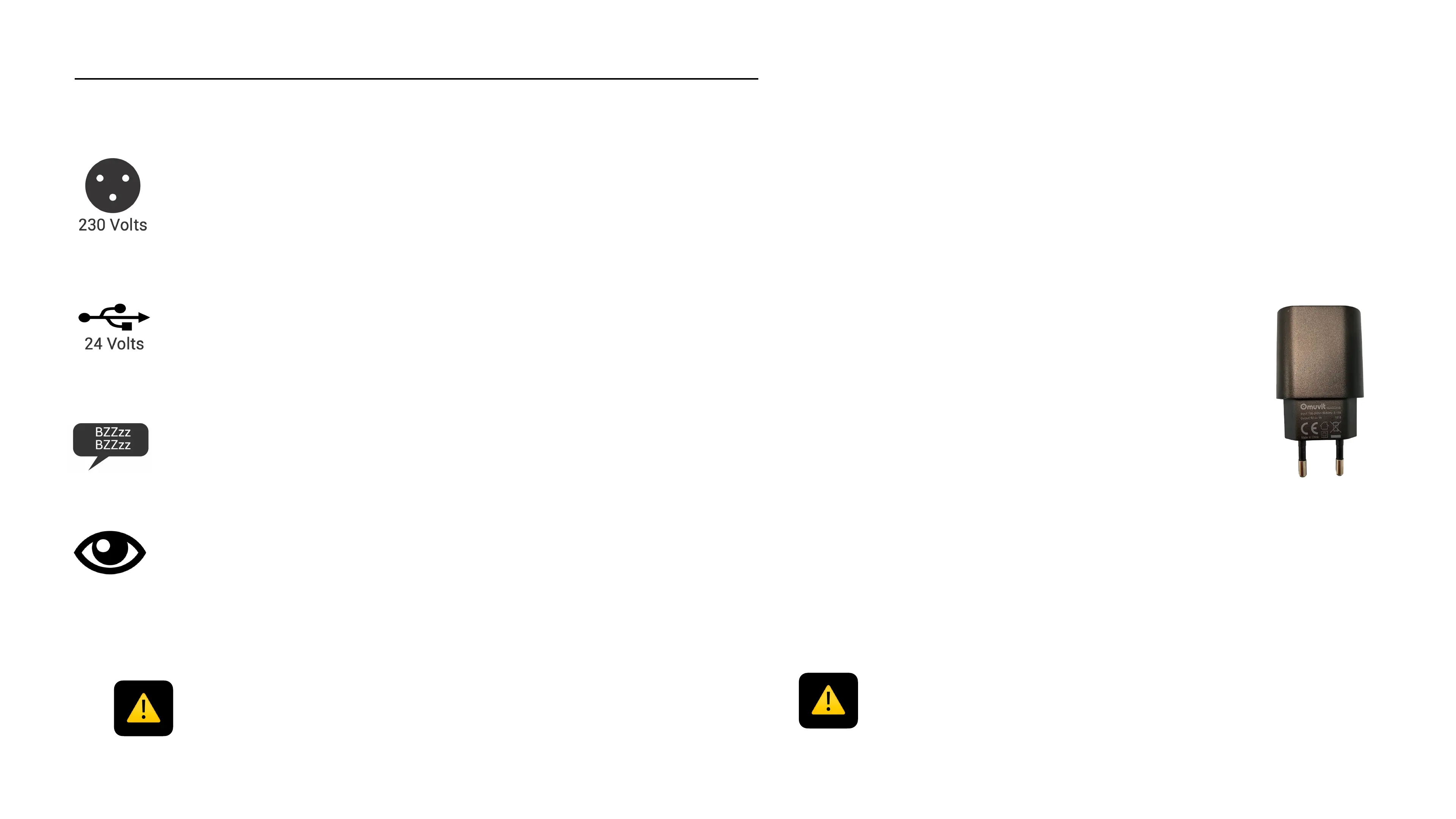
It takes about 1h30 to fully charge the battery via a 230V USB
power outlet
The charging time might be longer if you plug the Cambox to
another source (car USB charger, computer...
The status LED of your Cambox will flash quickly when the
battery level becomes very low.
You can check the battery level on our application (P.15)
The charger that you use to charge your Cambox must meet below conditions* :
1. Input (towards the charger)
•
100 - 240 V
•
50/60 Hz
•
0.32A (320 mA) - 0,50A (500mA)
2. Output (to the charging cable)
•
5 V Maxi
•
1 A (1000 mA) Maxi
•
5 W Maxi
*This data is visible on all adaptes, regardless of the brand
IMPORTANT !!
If above conditions are not met, the battery might lose in performance and its
lifespan can be reduced.
To optimize its performance, we advise to make a full charge cycle at least once
every 3 months



 To Next Page