EasyManua.ls Logo

CAMBOX V3+ - User Manual

Default Icon
17 pages
Print Icon
To Next Page IconTo Next Page
Loading...
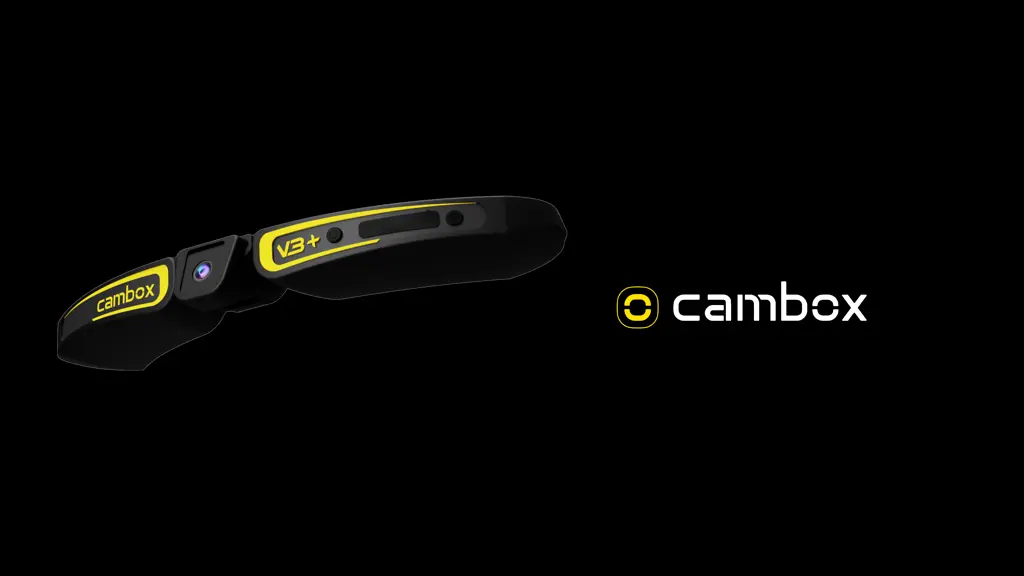
Cambox V3+
User manual
23/11/2023

Questions and Answers

Summary

Your Cambox Device Overview

Identification of Key Components

Identification of key components like memory slot, buttons, USB socket, and LEDs.

Getting Started: Initial Power-On

Device Power-On Procedure

Instructions for turning on the Cambox using the ON/OFF button.

Startup Behavior and Troubleshooting

What to expect on startup and common reasons for immediate shutdown.

Getting Started: Recording Operations

Starting and Pausing Recordings

How to start and pause recording using the ON/OFF button.

Attaching and Detaching the Cambox

Fastener Preparation and Application

Steps for preparing, sticking, and applying the velcro fastener.

Setting the Viewing Angle

Lens Angle Adjustment and Verification

How to adjust the viewing angle and verify it using the app.

Accessing Recorded Content

Battery Charging Procedures

Smartphone Connectivity

Wifi Activation and Device Pairing

Steps to activate the Wifi antenna and connect the smartphone to the Cambox.

Troubleshooting Common Issues

Device Power and Response Problems

Solutions for problems like device turning off, not responding, or Wifi issues.

Technical Specifications of Cambox

CAMBOX V3+ Specifications

General IconGeneral
Image Resolution20MP
Lens170° wide-angle lens
WaterproofUp to 40m with waterproof case
Display2.0" LCD
Battery1050mAh
ConnectivityWi-Fi, HDMI
StorageMicro SD card

Related product manuals