6
To start
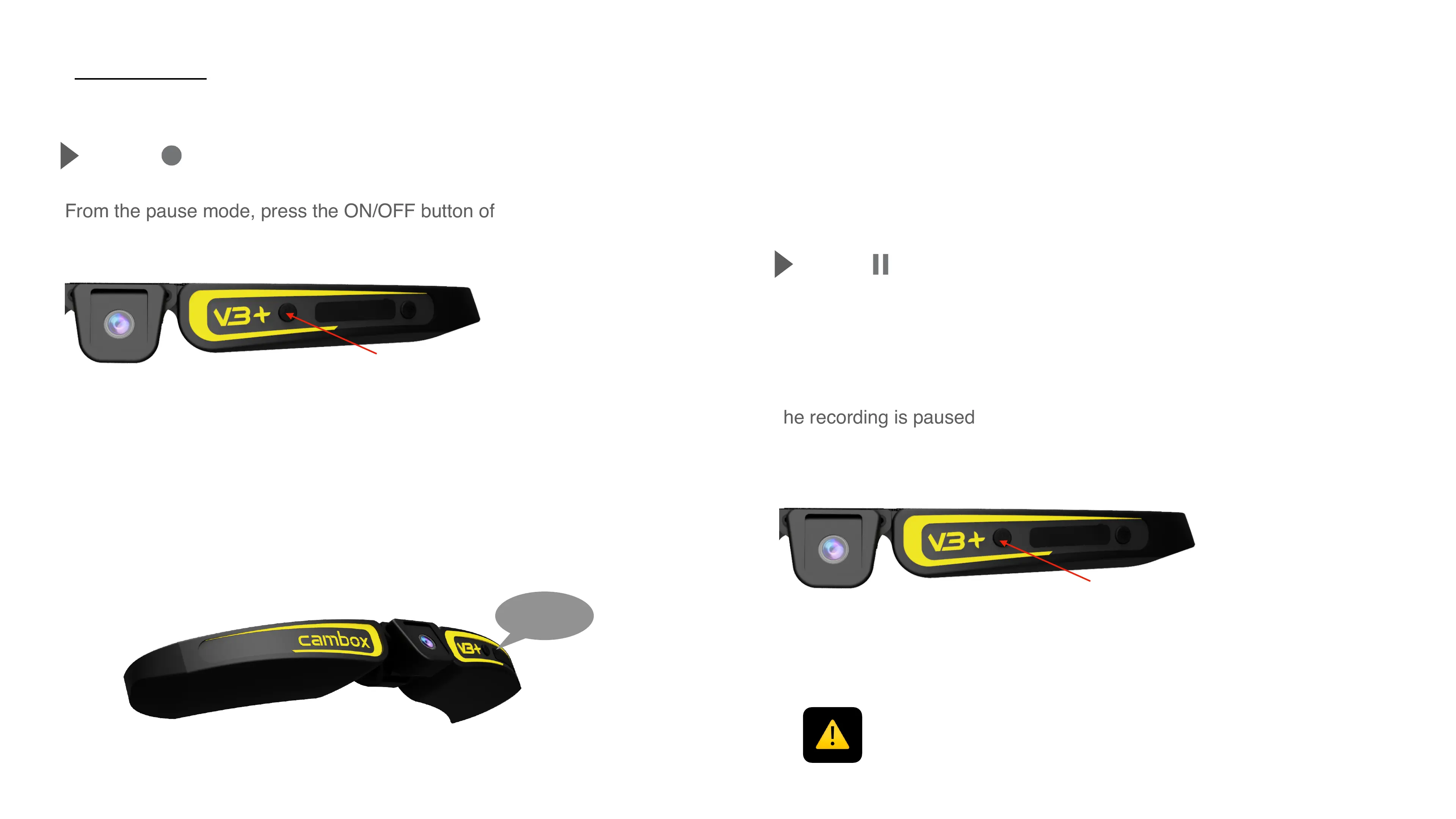
From the pause mode, press the ON/OFF button of your Cambox.
Record
The calmera vibrates and the LED starts flashing every second, indicating
that the recording is on
One simple push
Pause
Press the ON/OFF button of your Cambox when the recording is on. The
Cambox emits 1 vibration and the LED becomes solid.!
The recording is paused
One simple push
If the LED remains solid when you start a recording, this is because the SD card
is full and the Cambox cannot save any more files.



 To Next Page