To start
Turn on the camera
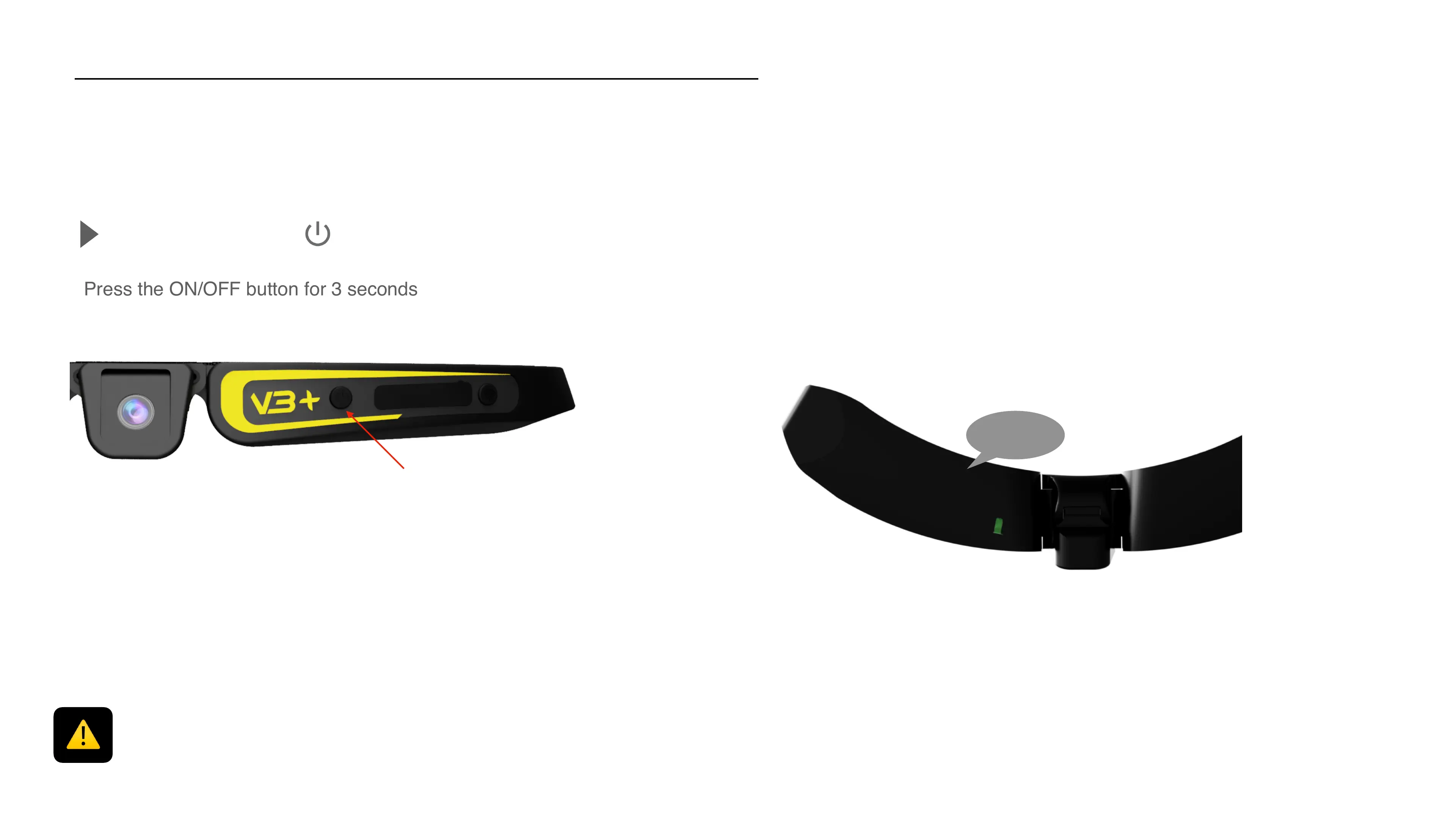
Press the ON/OFF button for 3 seconds
5
The camera vibrates and a solid green LED is displayed, showing that the
Cambox is on. The pause mode is automatically activated (solid LED)
If your Cambox switches of few seconds after being turned on :
1) the battery is not charged enough
2) the memory card is absent
You can check this in the app
Make a quick impulse



 To Next Page