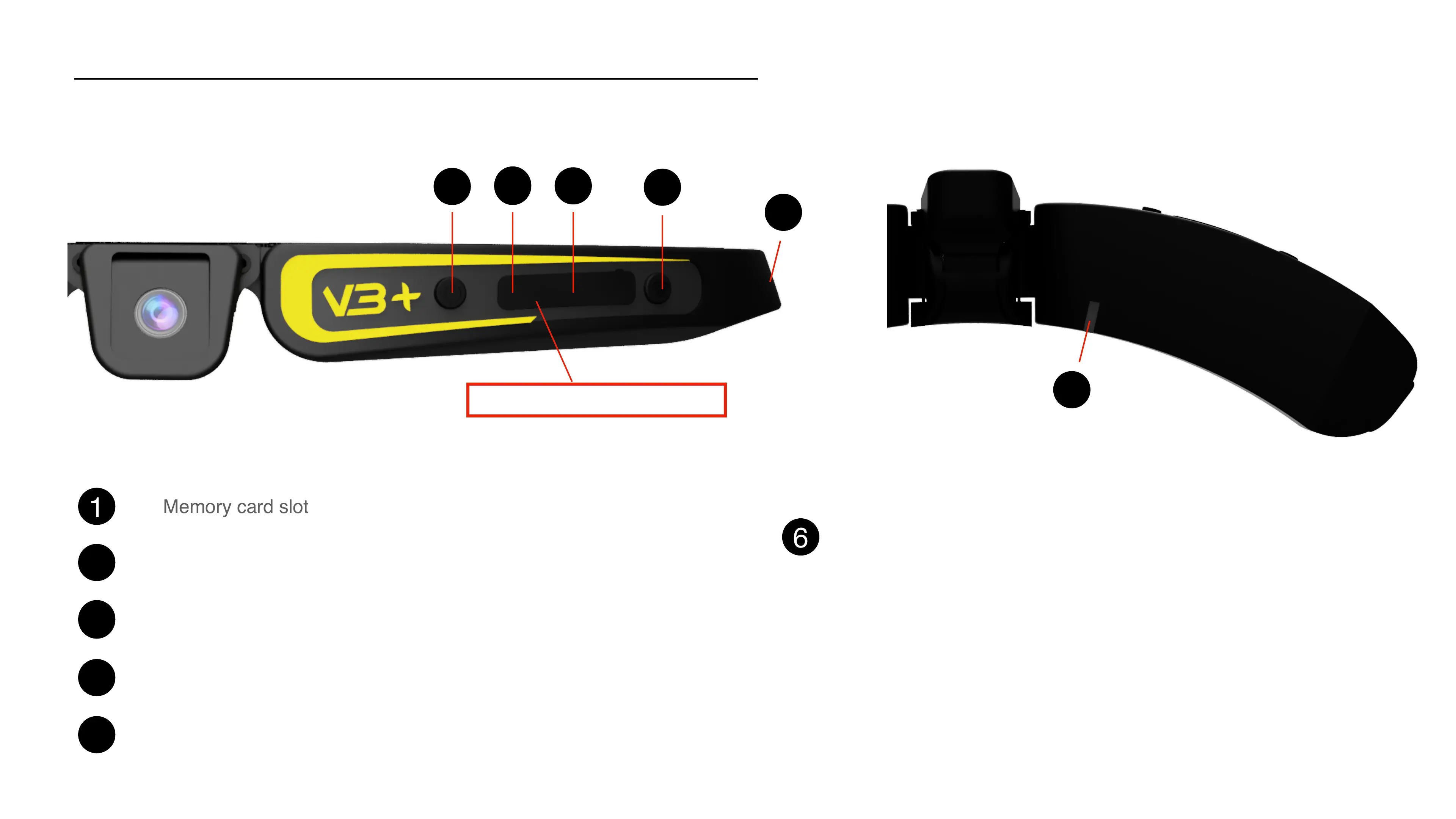
Your Cambox
1
On/Off button // Record/Pause
2
3
4
5
USB socket : battery charge and files transfer
Reset button (use the metallic pin)
Activation button of the Wifi antenna / resolution change (long push)
Memory card slot
4
Status LED :!
!
- green LED : 2K resolution!
- blue LED : FullHD 1080 resolution!
- white LED : HD720 resolution!
- orange LED : wifi activated/connected!
4
6
1
2
3
4
5
6
Do not remove the rubber tab



 To Next Page