Organizing Images by Category (My Category)
143
Choosing Images Individually
Choose [Select].
z Follow Step 2 on p. 142 to choose [Select],
then press the m button.
Choose an image.
z Press the qr buttons or turn the  dial to
choose an image.
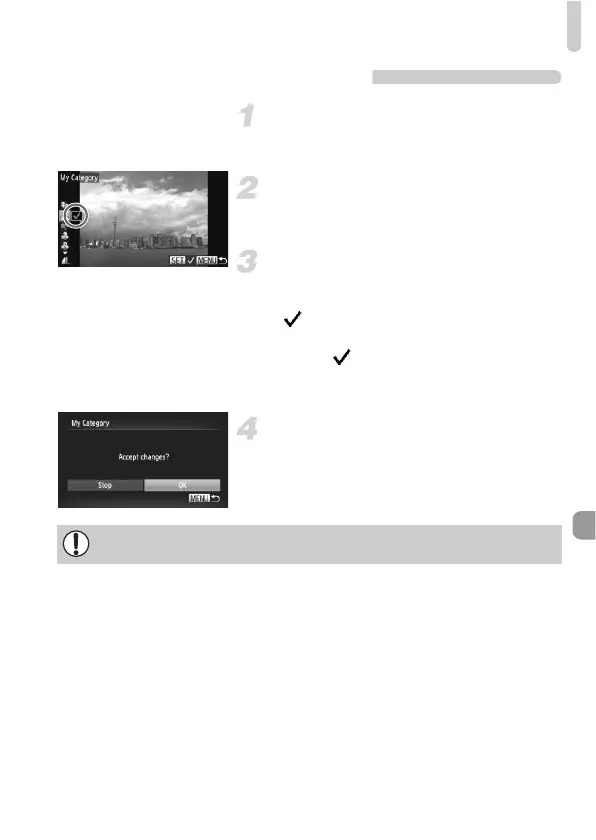
Choose a category.
z Press the op buttons to choose a
category, then press the m button.
X will appear on the screen.
z Press the m button again to deselect the
image. will disappear.
z To choose additional images, repeat the
above procedure.
Complete the setting.
z If you press the n button, a
confirmation screen will appear.
z Press the qr buttons or turn the  dial to
choose [OK], then press the m button.
If you switch to Shooting mode or turn off the power before completing the
setting in Step 4, images will not be tagged as My Category.



 To Next Page