Charging Battery
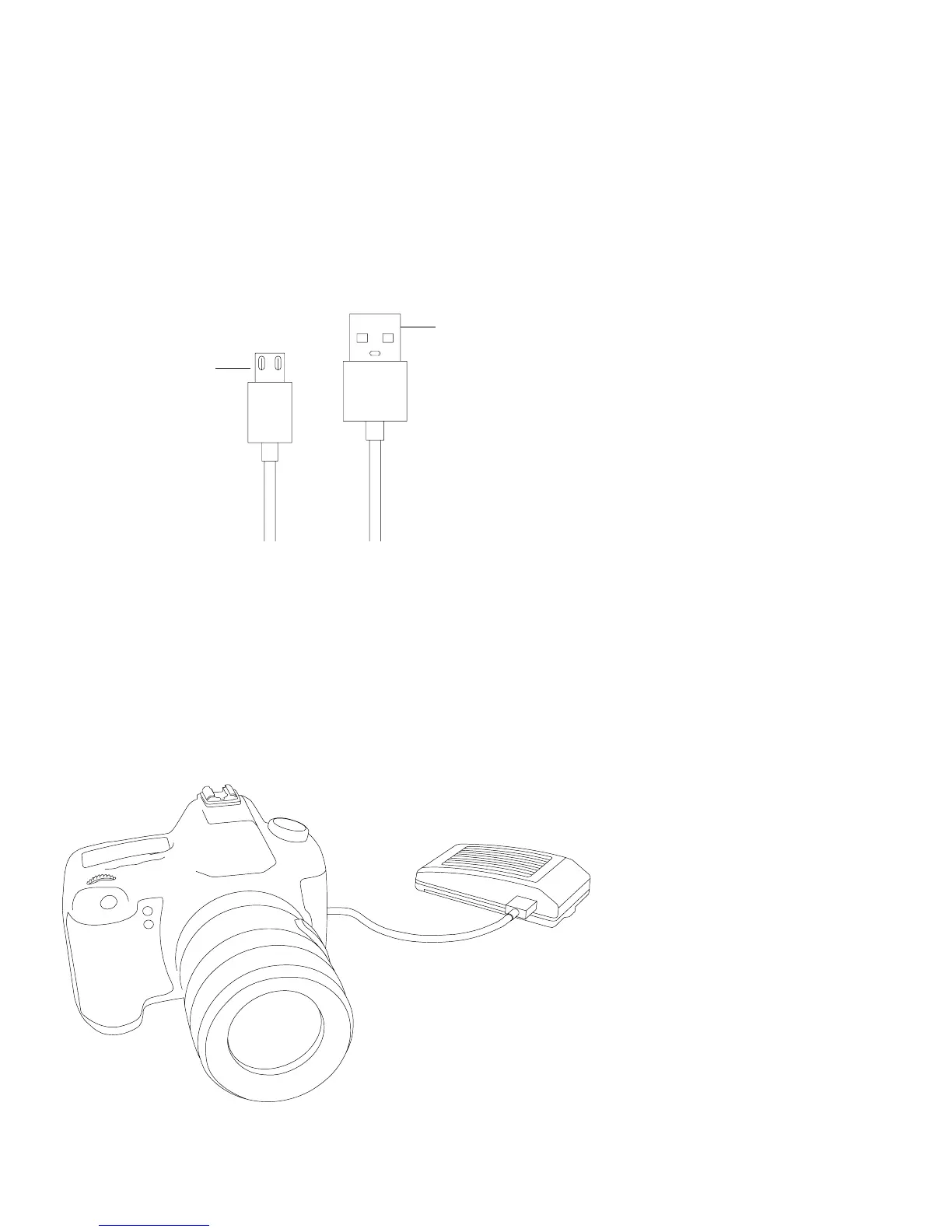
Use the micro USB cable to connect to a mobile phone
charger or the USB port of a computer to charge the
battery of the CamFi device.
Micro USB
Connect to CamFi Pro
USB
Chapter 2: Getting started
Quick Installation
1. Connect CamFi Pro to your camera
Connect the CamFi Pro device to your camera using the mini USB
cable, then turn on the CamFi Pro and your camera.
3



 To Next Page