EasyManua.ls Logo

Camos CSA-130P - User Manual

Camos CSA-130P
75 pages
Go to English
Print Icon
To Next Page IconTo Next Page
Loading...
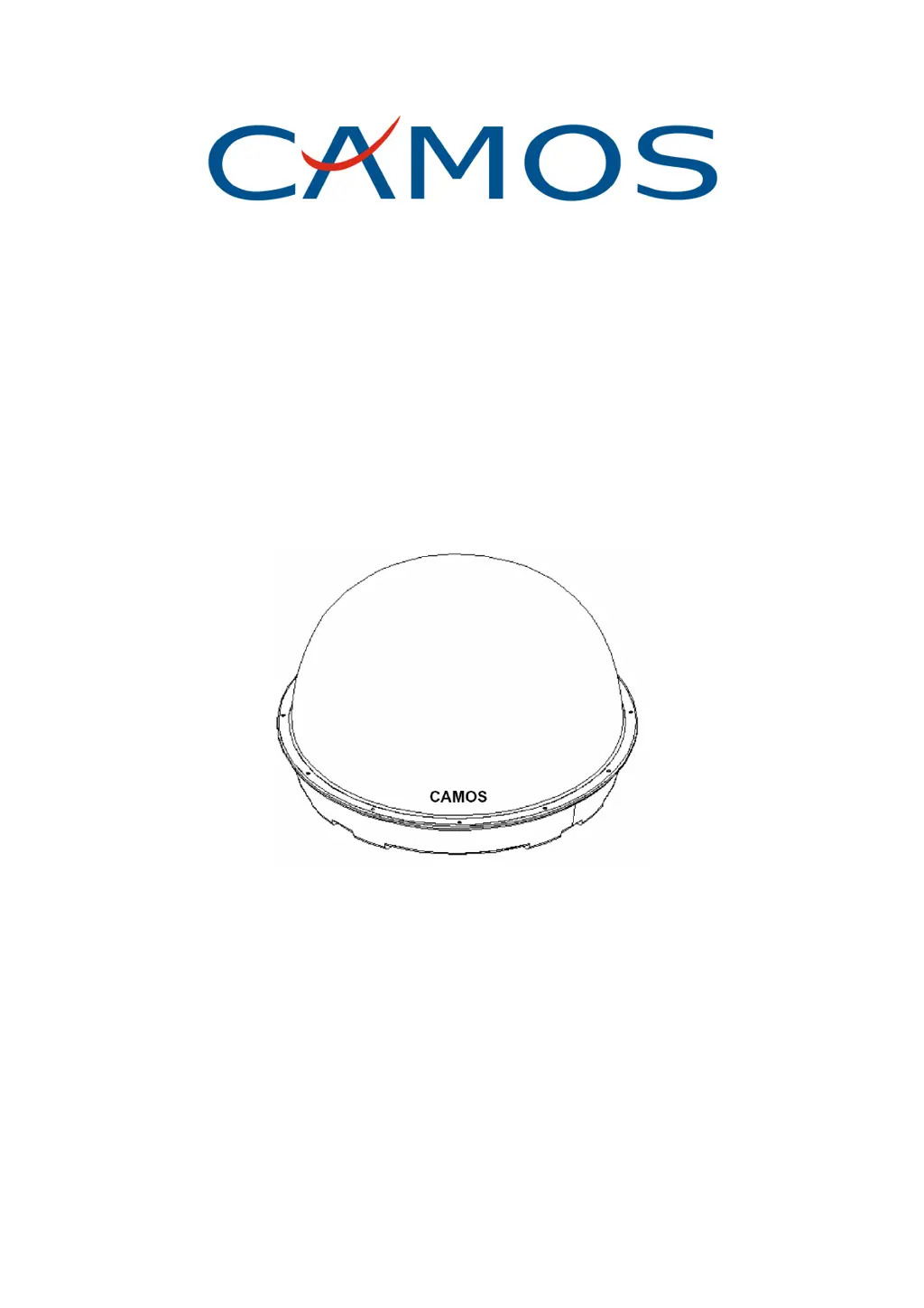
CSA-130P/140P
Automatische Satellitenantenne
Bedienungsanleitung
Ver. 1.4
Vielen Dank für Ihr Vertrauen in unser Produkt.
Um Fehler bei der Montage und Handhabung zu vermeiden, lesen Sie
bitte diese Bedienungsanleitung sorgfältig, bevor Sie die Antenne
installieren und in Betrieb nehmen!
Bitte notieren Sie hier die Serien-Nr. Ihrer Antenne und geben Sie bei
Rückfragen unbedingt diese Nummer an:
Ser.-Nr.: _________________________________

Table of Contents

Questions and Answers

  • T
    Thomas PetersonAug 15, 2025
    Why does my Camos CSA-130P show 'No Video'?
    • G
      Gary RiosAug 16, 2025
      If your Camos Antenna displays 'No Video', it might be due to changed channel data. Try executing a Factory Preset or perform a Manual/Auto Channel Search to resolve this.
  • D
    David WangAug 18, 2025
    What to do if my Camos CSA-130P Antenna video freezes?
    • M
      Michelle NguyenAug 18, 2025
      If the video on your Camos Antenna freezes, it could be due to a weak antenna signal. Check the antenna position and consider the current weather conditions.
  • S
    Stephanie HillAug 21, 2025
    What to do if my Camos CSA-130P Antenna remote control does not work?
    • K
      Kristina GonzalesAug 21, 2025
      If your Camos Antenna remote control isn't working, ensure you're aiming it correctly at the receiver's front panel and are within 7 meters. Also, check if the remote control's batteries are still functional.
  • R
    Robert WilliamsAug 25, 2025
    What to do if my Camos CSA-130P shows 'No Signal' continuously?
    • J
      john46Aug 25, 2025
      If your Camos Antenna continuously displays 'No Signal', check the DiSEqC setting and the LNB cable connection. Adjust the DiSEqC setting and try a Manual Search for that channel.
  • K
    Kathleen NguyenAug 27, 2025
    Why is there no audio from my Camos CSA-130P?
    • R
      Rebecca JohnsonAug 27, 2025
      If there's no audio from your Camos Antenna, check the volume control and ensure the MUTE function is off. You may also need to check the Audio Language by pressing the Audio key and trying different languages. Additionally, verify the Main Audio language in the "General Settings" menu.
  • A
    Ashley KirkAug 30, 2025
    What to do if pre-programmed channel data do not load on Camos CSA-130P Antenna?
    • V
      Victoria PhelpsAug 31, 2025
      If pre-programmed channel data do not load on your Camos Antenna, execute the Factory Preset re-installation process. Also, check if Manual/Auto Search performs correctly.
  • B
    Brett BarnesSep 2, 2025
    How to fix Camos CSA-130P when channel search fails?
    • M
      Matthew PruittSep 2, 2025
      If channel search fails on your Camos Antenna, check the DiSEqC setting or the LNB cable connection.
  • M
    Matthew DanielsSep 5, 2025
    What to do if my Camos Antenna receiver fails to boot?
    • V
      Vincent VillarrealSep 5, 2025
      If your Camos Antenna receiver fails to boot, re-apply AC power.
  • G
    gclarkSep 8, 2025
    How to fix no OSD menu visible on Camos Antenna?
    • M
      Mark WilliamsSep 8, 2025
      If there's no OSD menu visible on your Camos Antenna, check the SCART connector to ensure it's securely connected to both your receiver and the TV.
  • H
    haydenjamesSep 12, 2025
    What to do if data download through serial port does not work for Camos Antenna?
    • G
      Glenn ColonSep 12, 2025
      If data download through the serial port isn't working for your Camos Antenna, check the PC232 port or data cable for any issues. Also, verify that your PC software settings are correct.

Summary

1. Lieferumfang

2. Montage

Allgemeines zur Montage

General instructions and considerations for antenna installation, including environmental factors.

Vorbereitung zur Montage

Steps to prepare the vehicle and location, checking stability and obstructions.

3. Anschluss

Anschluss der Steuerbox und Verkabelung

Connecting the control box and routing the antenna and power cables safely.

4. Inbetriebnahme und Bedienung

Erste Schritte: Einschalten und Satellitensuche

Initial power-up sequence, including turning on components and starting the satellite search.

Satellitensuche und Feinabstimmung

The process of the antenna finding and fine-tuning its lock onto a satellite.

Umgang mit Suchfehlern

Procedure for handling situations where the satellite search fails or is unsuccessful.

5. Satellitenauswahl

Auswahl und Wechsel des Satelliten

How to select a satellite initially and switch to a different one.

6. Falls es Probleme gibt

7. Technische Daten

Camos CSA-130P Specifications

Power IconPower
voltage13/18 VDC
power inputDC Jack (10V ~26V)
power consumptionMax 20 Watt
Audio and Video IconAudio and Video
video output level1Vp_p
audio output impedance600 ohm
audio output level3.0 Vp_p
Connectivity IconConnectivity
rs-232 serial port9 Pin D-sub Female
digital out (SPDIF)Cinch (RCA)
tv SCART21 pole
Memory IconMemory
flash ROM1 MB (16-bit)
SDRAM4 MB (16-bit)
microprocessor typeST20 -C2 (STI 5518)
Weight and Dimensions IconWeight and Dimensions
dimension235 X 170 X 38mm
weight1.0 Kg

Related product manuals