In and , press the Video Recording Mode Photo Mode
camera screen icon to enter Setup Setup Mode.
There are , photo mode setup menu and video mode setup
system setup menu, you can configure the parameters for the
specific mode.
Setup Mode :
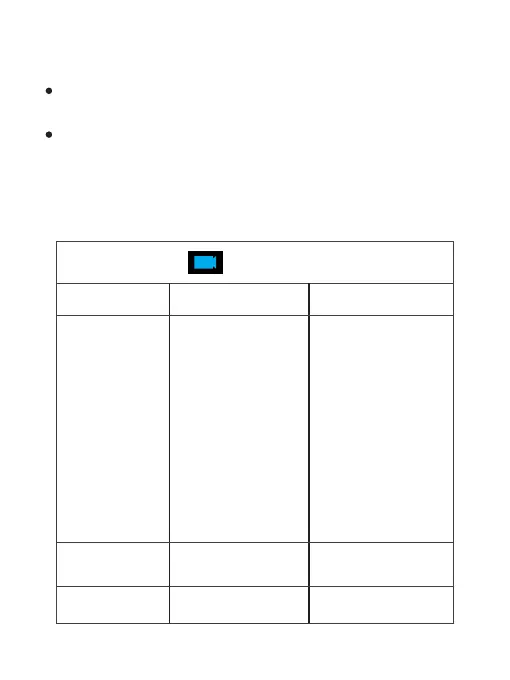
Setup Menu Options
Video Mode Menu
Menu
Options
Application
4K 30fps /
2.7K 30fps /
2K 60fps /
2K 30fps /
1080P 90fps/
1080P 60fps /
1080P 30fps/
720P 120fps/
720P 60fps/
720P 30fps
Resolution
Adjust video resolution,
with higher resolution,
the video will be clearer
Image
Stabilization
ON/OFF
Turn ON/OFF video
anti-shaking.
Video Encode
H.264 / H.265
Adjust video encode.
8



 To Next Page