5
.
Press BATTERY TYPE button and hold for 3 seconds to go into your battery type
selection mode, the battery type you select will be shown on the LCD meter, the
default setting is AGM Battery; the controller will automatically memorize your battery
type setting.
Caution: Incorrect battery type setting may damage your battery.
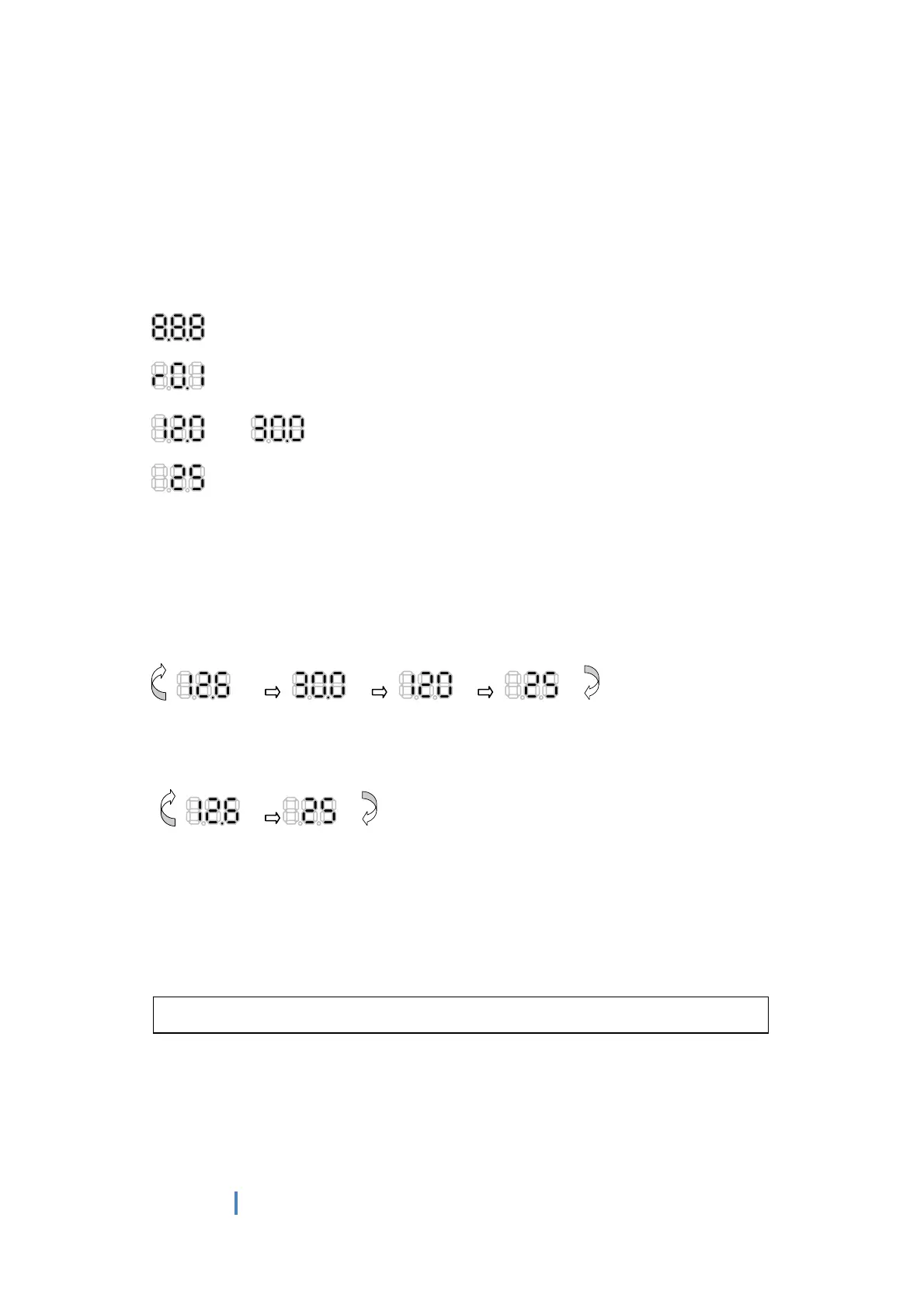
When the controller powers on, the unit will run self-qualify mode and automatically
show below items on LCD before going into charging process
Self-test starts, digital meter segments test
Software version test
V
A
Rated voltage and current test
ºC
External battery temperature sensor test (if connected)
After going into charging process, the LCD displays the charging statues as below:
Press VOLT / AMP button in sequence, the LCD will display in turn with
Battery Voltage, Charging Current, Charged capacity (Amp-hour) and Battery
Temperature (if external temperature sensor connected)
Display in the day time-
V
A
V
ºC
Display during the night-
V
ºC
The VOLT / AMP button can be changed at any time during charging process.
The LCD also can be treated as an independent voltage meter or thermometer.
A voltage less than 11.5V Volts indicates that the battery is discharged and needs
re-charging.
The unit has a 5 stage charging algorithm.
Soft Charge (Level 1) –Bulk Charge (Level 2)-Absorption charge (Level 3) –
Equalizing Charge* (Level 4) - Float Mode (Level 5)
CHARGING STAGES


 To Next Page
 Loading...