13
Mode Settings
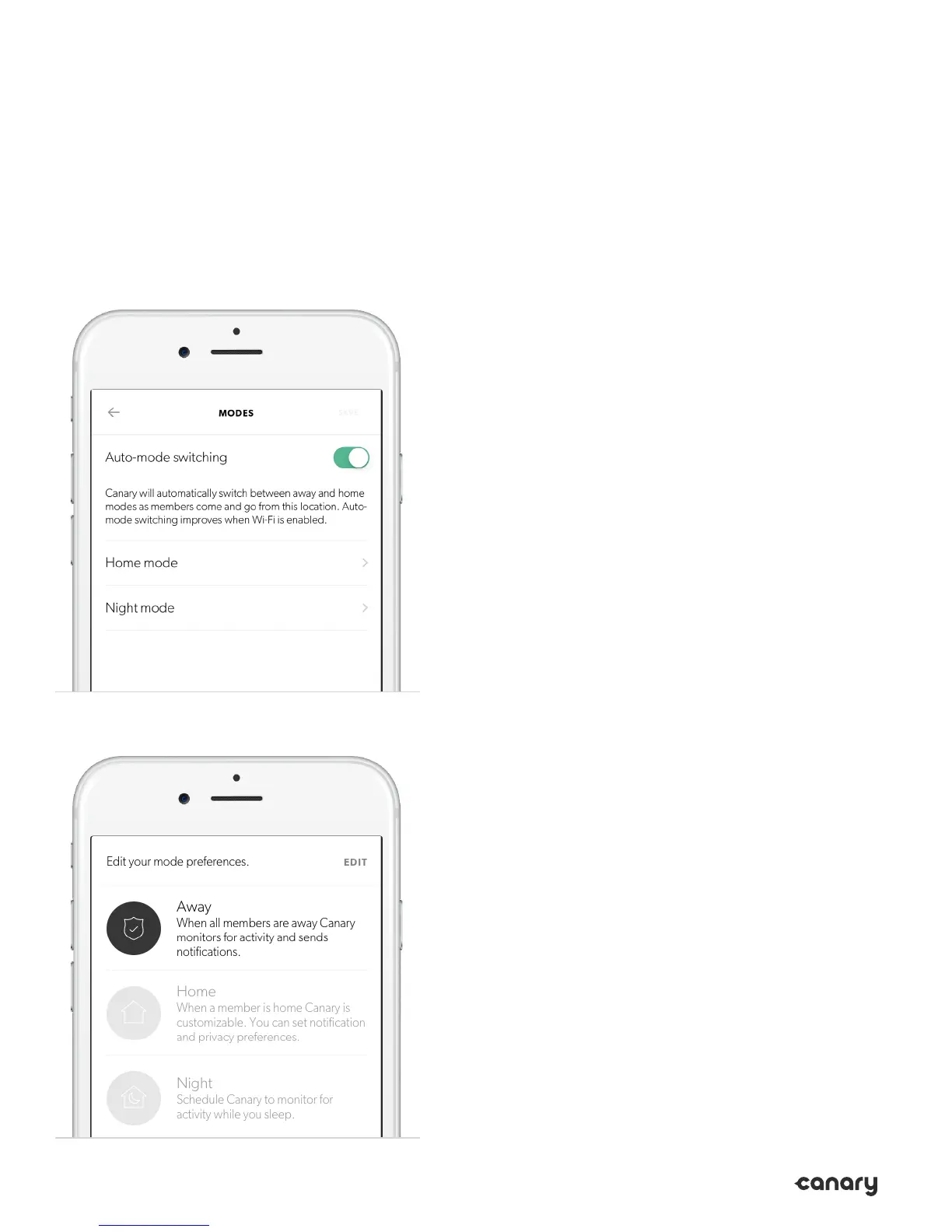
In Mode Settings, you can conigure how
Canary Flex changes modes by activating or
disabling Auto-Mode Switching. You can also
select the privacy settings when in home and
night modes.
Auto-Mode Switching
While Auto-Mode Switching is on, Canary
Flex will use your phone’s location services to
detect whether you’re home or away.
Canary Flex will switch into away mode when
all location members leave home, and switch
into home mode when at least one member
arrives home.
You can also schedule Canary Flex to switch
into and out of night mode at speciic times.
Please note: night mode will only activate
when at least one member is home.


 To Next Page