20
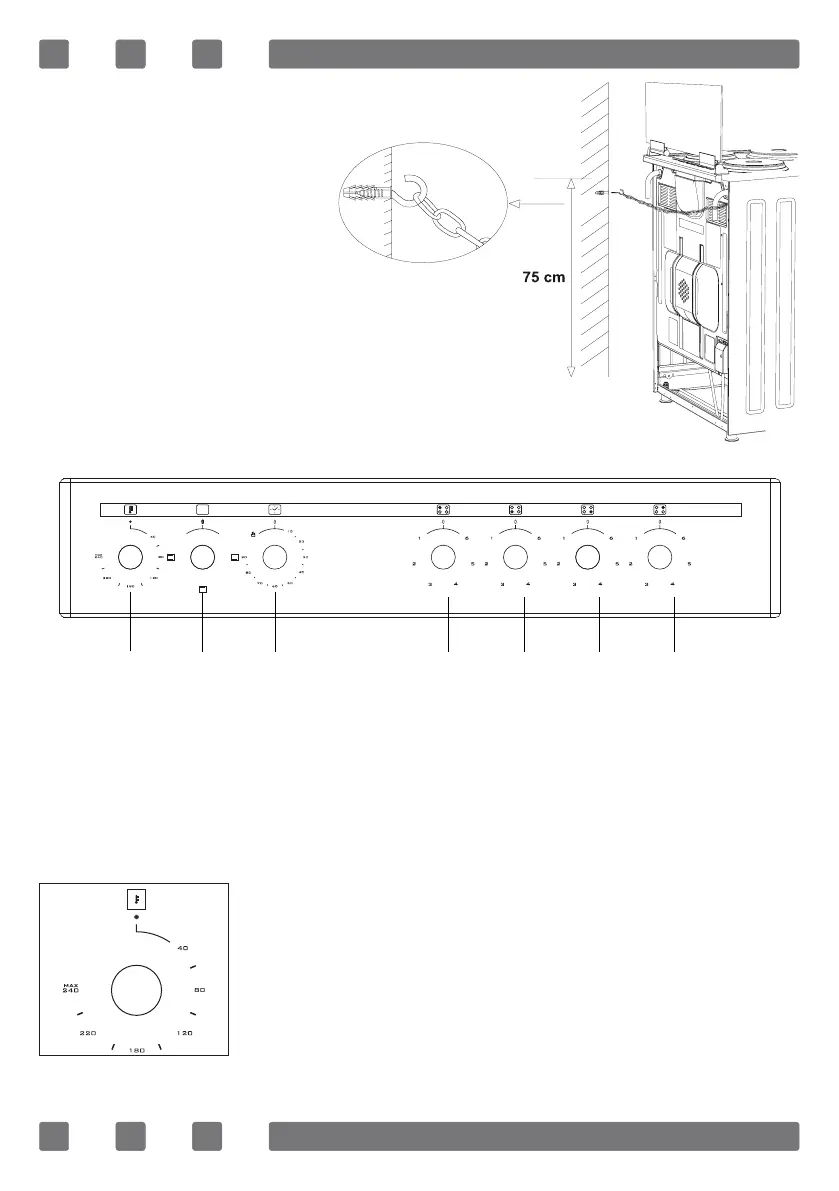
Chain lashing illustration
Before using the appliance, in order to ensure
safe use, be sure to x the appliance to the wall
using thechain and hooked screw supplied.
Ensure that the hook is screwed into the wall
securely.
CONTROL PANEL
WARNING: The control panel above is only for illustration purposes.
Consider the control panel on your device.
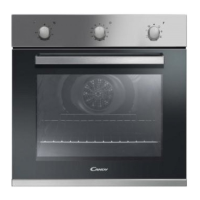
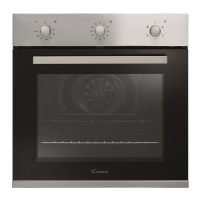
1. Thermostat
2. Function selection button
3. Mechanical timer *
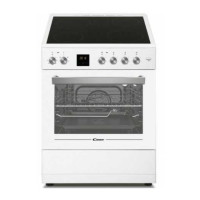
4. Rear left electrical heater
5. Front left electrical heater
6. Front right electrical heater
7. Rear right electrical heater
1 2 3 4 5 6 7
Thermostat: Used for determining the cooking temperature
of the dish to be cooked in the oven. After placing
the food inside the oven, turn the switch to adjust
desired temperature setting between 40-240 °C.
For cooking temperatures of different food, see cooking
table.
GB


 To Next Page