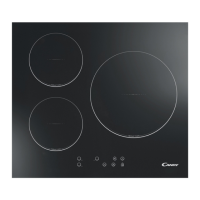
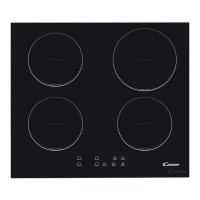
control.
4. Beware of hot surfaces
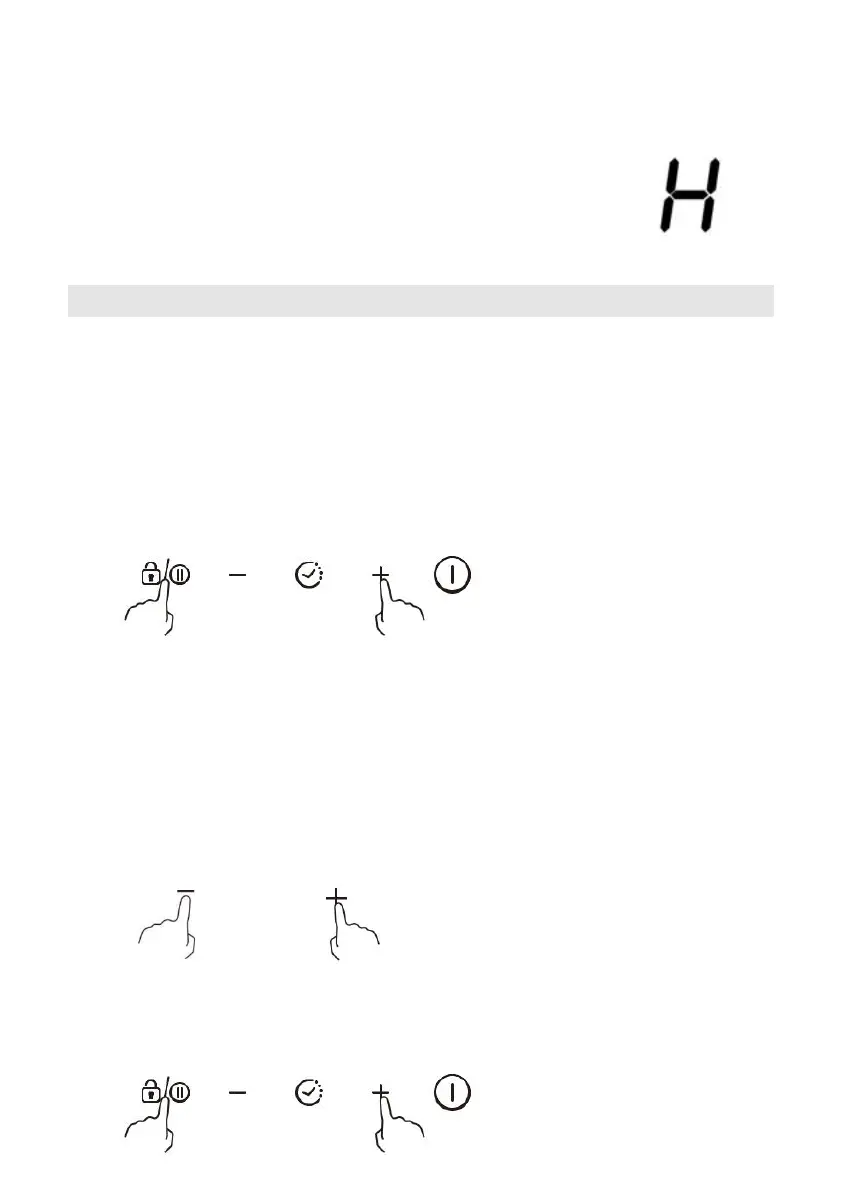
“H” will show which means cooking zone is too hot to touch. It
will disappear when the surface has cooled down to a safe
temperature. It can also be used as an energy saving function if
you want to heat further pans, use the hotplate that is still hot.
Using the Power Management
It is possible to set a maximum power absorption level for the induction hob, choosing
up to different power ranges.
Induction hobs are able to limit themselves automatically in order to work at lower
power level, to avoid the risk of overloading.
To enter the power management function
1. Turn on the hob, then press at the same time the “+”(timer) and keylock. The time
indicator will show “P5” which means power level 5. The default mode is on 7.2Kw.
To switch to another level
Press +/- from the timer. There are 5 power levels, from “P1” to “P5”. The timer
indicator will show one of them.
“P1”: the maximum power is 2.5 Kw.
“P2”: the maximum power is 3.5 Kw.
“P3”: the maximum power is 4.5 Kw.
“P4”: the maximum power is 5.5 Kw.
“P5”: the maximum power is 7.2 Kw.
OR
Confirmation and Exit Power Management Function
Press at the same time the “+”(timer) and keylock for confirmation, then the hob will be
turned off.



 To Next Page