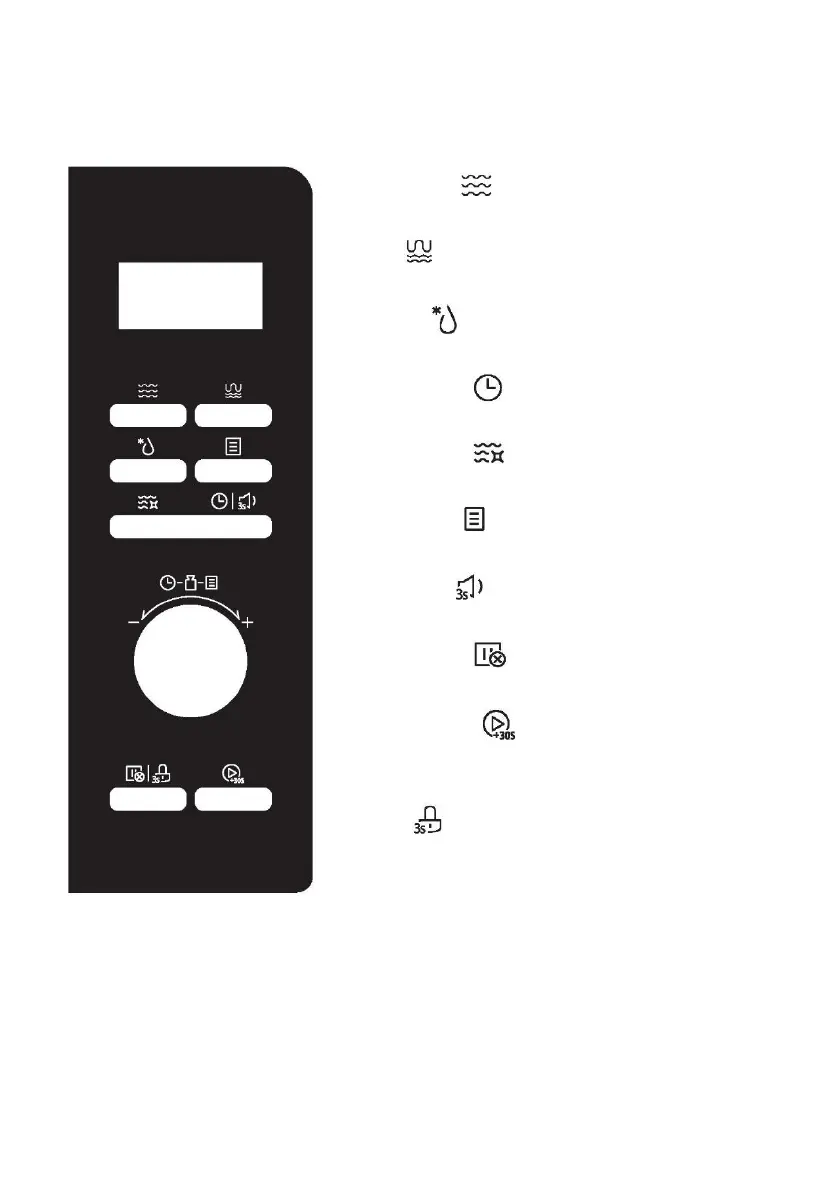
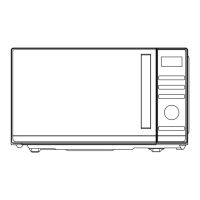
Microwave
Press to select microwave function
Grill
Press once to select grill function
Defrost
Press to select deforst function quickly
Timer/Clock
Press to set clock
Smart Clean
Press to select smart clean function
Auto Menu
Press to select auto menus
Sound off
Press 3 seconds to mute the microwave
Stop/Cancel
Press to cancel current cooking function
Start/+30Sec.
Press to start the function or quick start for 30 seconds microwave
function
Lock
Press 3 seconds for child lock function



 To Next Page