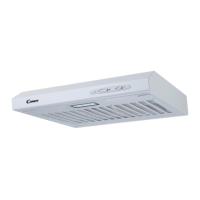
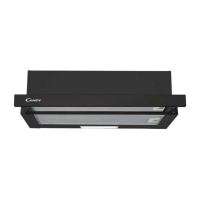
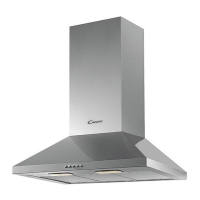
DESCRIPTION OF COMPONENTS
OPERATION
Light button
NOTE: If Low / Medium / High speed buttons are press at the same time, the
unit will only operate at the highest speed.
Button 1
The button is with indicate backlit, when you press the button,the backlit will
be turned on and the fan will be turned on at low speed. when press again, it
will turn off the fan.
It’s used for Ventilation on the kitchen. It is suitable for simmering and cooking
which do not make much steam.
Button 2
The button is with indicate backlit, when you press the button,the backlit will be
turned on and the fan will be turned on at Medium Speed. when press again, it will
turn off the fan.
Airflow speed is ideally for ventilation in standard cooking operation.
Button 3
The button is with indicate backlit, when you press the button,the backlit will
be turned on and the fan will be turned on at High Speed. when press
again,. it will turn off the fan.
When high density of smoke or steam produced, press high-speed button for
highest effective ventilation.


 To Next Page