EN 42
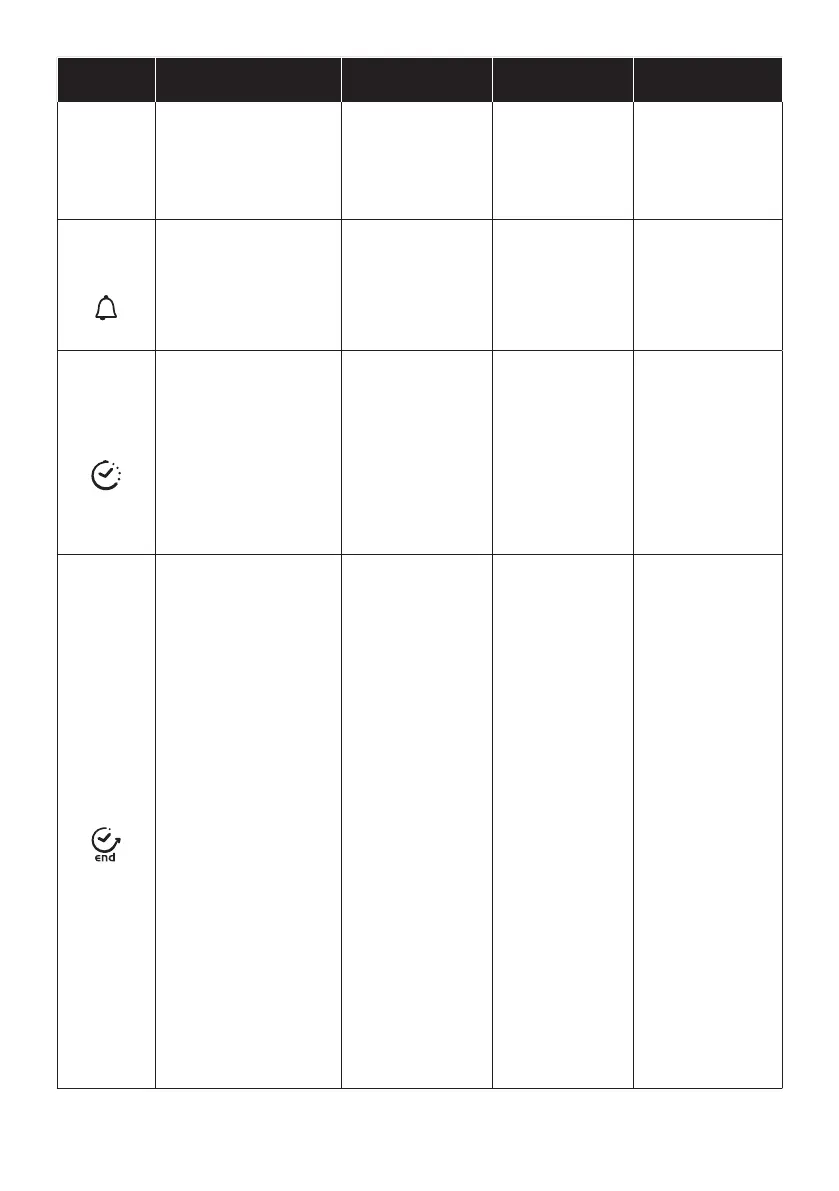
FUNCTION HOW TO ACTIVATE
HOW TO
DEACTIVATE
WHAT IT DOES WHY IT IS NEEDED
KEY LOCK
Child Lock function is acti-
vated by touching Set (+) for a
minimum of 5 seconds. From
this moment on all other func-
tion are locked and the display
will ash STOP and preset
time intermittently.
Child Lock function is
deactivated by touching
touchpad Set (+) again
for a minimum of 5
seconds. From this
moment on all functions
are selectable again.
MINUTE
MINDER
Push the central button
1 times
Press the buttons “-” “+”
to set the required time
Release all the buttons
When the set time
as elapsed an audible
alarm is activated (this
alarm will stop on its
own, however it can be
stopped immediately
by pressing the button)
SELECT.
Sounds an alarm at the
end of the set time.
During the process,
the display shows the
remaining time.
Allows to use the oven
as alarm clock (could be
activated either with
operating the oven or
with out operating the
oven)
COOKING
TIME
Push the central button 2
times
Press the buttons “-” or “+”to
set the lenght of cooking
required
Release all buttons
Set the cooking function with
the oven function selector
Push any button to stop
the signal. Push the
central button to return
to the clock
function.
It allows to preset the
cooking time required
for the recipe chosen.
To check how long is
left to run press the
SELECT button 2
Times.
To alter/change the
preset time press
SELECT and “-” “+”
buttons.
When the time is elap-
sed the oven will switch
o automatically.
Should you wish to
stop cooking earlier
either turn the function
selector to 0, or set time
to 0:00
(SELECT and “-” “+”
buttons)
END OF
COOKING
Push the central button 3
times
Press the buttons “-” “+” to
set the time at which you wish
the oven to switch o
Release the buttons
Set the cooking function with
the oven function selector.
At the time set, the oven
will switch o. To switch
o manually, turn the
oven function selector
to position O.
Enables you to set the
end of cooking time
To check the preset
time push the central
button 3 times
To modify the preset
time press buttons
SELECT + “-” “+”
This function is typically
used with “cooking
time” function.
For example if the dish
has to be cooked for 45
minutes and needs to be
ready by 12:30, simply
select the required fun-
ction, set the cooking
time to 45 minutes and
the end of cooking time
to 12:30.
At the end of the ooking
set time, the oven will
switch o automatically
and an audible alarm
will ring.
Cooking will start
automatically at 11:45
(12:30 minus 45 mins)
and will continue until
the pre-set end-of-co-
oking-time, when the
oven will switch itself o
automatically.
WARNING.
If the END of cooking is
selected without setting
the length of cooking
time, the oven will start
cooking immediately
and it will stop at the
END of cooking time
set.


 To Next Page
 Loading...